The Ultimate Recipe Saver: Organize, Search, and Simplify Your Cooking
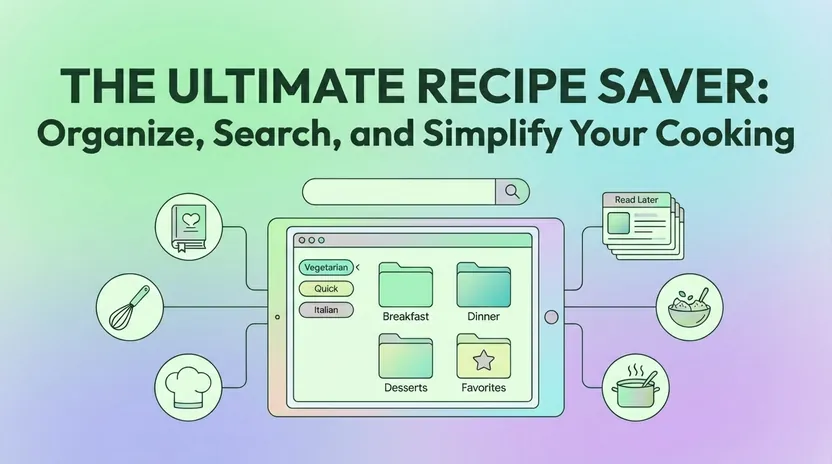
You know the feeling. There’s a TikTok video you saved three months ago with the perfect one-pot pasta, but you can’t remember if it’s buried in your camera roll, your browser bookmarks, or that note app you stopped using. Your grandmother’s handwritten pie crust recipe is photographed somewhere on your phone—probably between screenshots of memes and grocery receipts. And that Bon Appétit link you texted yourself? Gone forever in a sea of message threads.
Recipe chaos is universal. We collect meals from Instagram Reels, Pinterest boards, food blogs drowning in ads, YouTube tutorials, and family cookbooks held together with tape. But collecting isn’t the same as cooking. Without a system, those recipes become digital clutter that never makes it to the dinner table.
Linkflare solves this by turning scattered inspiration into a smart, searchable recipe saver. As a universal bookmark manager, Linkflare lets you save recipes, videos, books, articles, and travel spots in one place—but its recipe features deserve special attention. You can extract recipes from any website, making it easy to organize content from all your favorite online sources. Powered by the spoonacular recipe API, Linkflare automatically enriches saved recipes with nutritional data, step-by-step instructions, and metadata like cuisine type, diet compatibility, and allergy flags. You get a digital cookbook that actually works, not another graveyard of forgotten links.
This guide walks through everything Linkflare offers for recipe management: importing from any source, organizing all your recipes, building a grocery list, planning meals for the week, and sharing with friends and family. For detailed setup instructions, check the full recipe management documentation and meal planning guide. Linkflare also allows you to export recipes as PDF files for easy sharing, printing, or offline access.
Your Personal Digital Cookbook in Linkflare
Think of Linkflare as the place where every recipe you’ve ever loved finally lives together. That 2012 lasagna from your aunt’s email, the viral baked feta pasta from 2021, the weeknight chicken thighs you bookmarked last Tuesday—they all belong in one collection instead of scattered across apps, browsers, and screenshots.
Linkflare makes it easy to import recipes from multiple sources:
- Popular recipe sites: Paste any URL from NYT Cooking, Allrecipes, BBC Good Food, Serious Eats, Bon Appétit, or thousands of other websites. Linkflare fetches the page and extracts a clean recipe card.
- Social media links: Save Pinterest pins and Instagram posts that link to recipe pages. The original source gets parsed for recipe ingredients and directions.
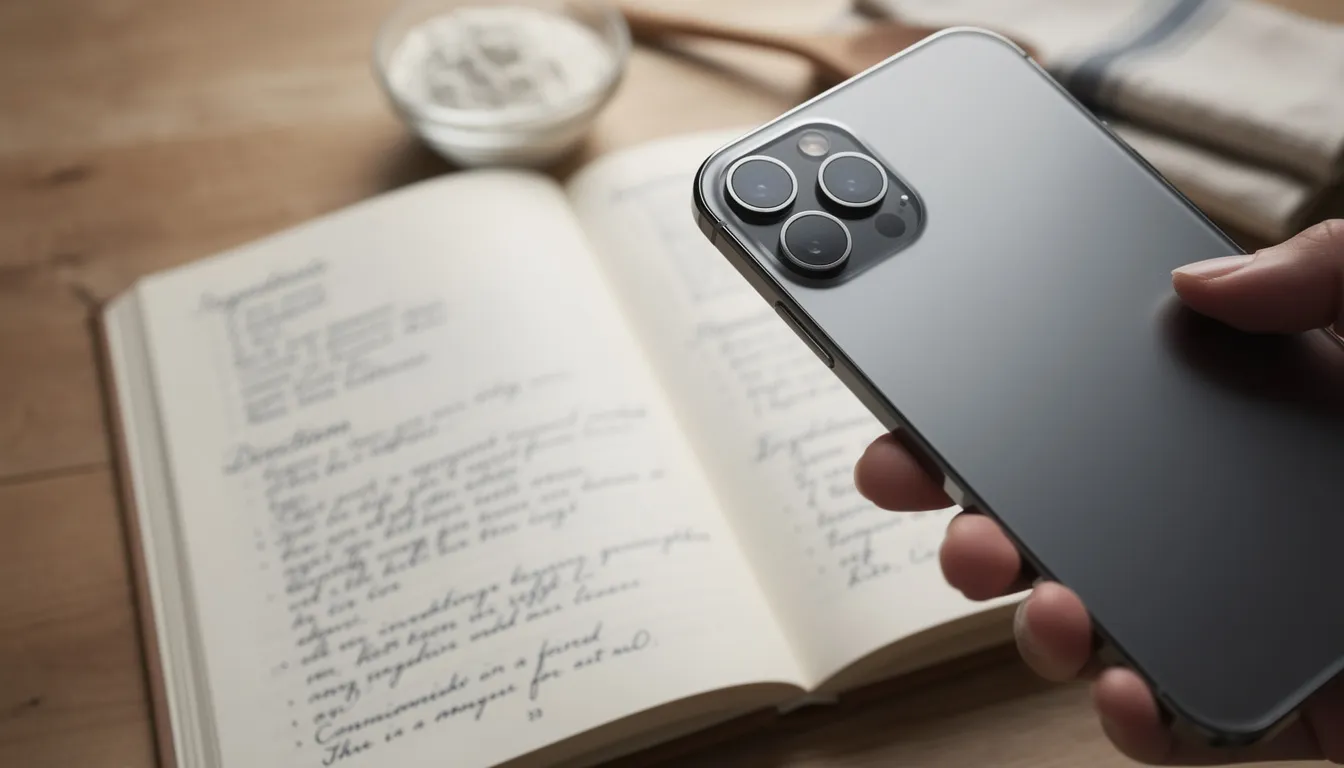
- Physical recipes: Snap a photo of handwritten cards, cookbook pages, or magazine clippings. Linkflare processes the image to extract text you can edit and organize.
You can also add your own recipes directly to Linkflare, making it easy to create, edit, and organize your personal favorites alongside imported ones.
When you save a recipe, Linkflare strips away the life story, pop-up ads, and autoplay videos that clutter most food blogs. What remains is a distraction-free card with the title, cover photo, ingredients, and cooking steps—nothing more.
All your recipes live in a single “Recipes” collection by default, but you can create sub-collections to suit your cooking style. Some users organize by category like “Weeknight Dinners” or “Holiday 2026.” Others filter by tags for specific diets or favorite meals. The system adapts to however your brain works, so you never lose track of what you want to cook.
Smart Recipe Import: From Any Page, Video, or Photo
Linkflare can save recipes from thousands of popular recipe websites, powered by the spoonacular recipe API. This means you’re not just clipping a URL—you’re getting accurate, structured data pulled directly from the page.
Here’s how import flows work in practice:
- Browser extension: Install the Linkflare extension for Chrome, Safari, or Firefox. When you land on a recipe page, click the extension icon to save instantly. The recipe appears in your collection within seconds.
- Mobile share sheet: On iOS and Android, use the native share button from any app. Select Linkflare as the target, and the recipe imports without leaving your current screen.
- Desktop paste: Copy a URL and paste it into Linkflare’s web app. The system auto-fetches recipe details including cook time, servings, and cuisine tags.
- Photo upload: Take a picture of a cookbook page, handwritten card, or magazine recipe. Linkflare extracts the text so you can edit recipe ingredients and steps into a searchable format.
For video content, Linkflare handles YouTube tutorials, TikTok recipes, and Instagram Reels differently. Since video recipes don’t have structured data, you can:
- Save the video link into your collection for easy playback later
- Add timestamps and notes (like “sauce starts at 02:14”) to reconstruct the steps
- Manually add ingredients while watching in Linkflare’s distraction-free view
When spoonacular can parse a recipe page, Linkflare auto-fills servings, cook time, cuisine, and diet tags (vegan, keto, gluten-free, and more). You get rich metadata without any manual data entry.
Deep Recipe Details: Nutrition, Allergies, and Cooking Steps
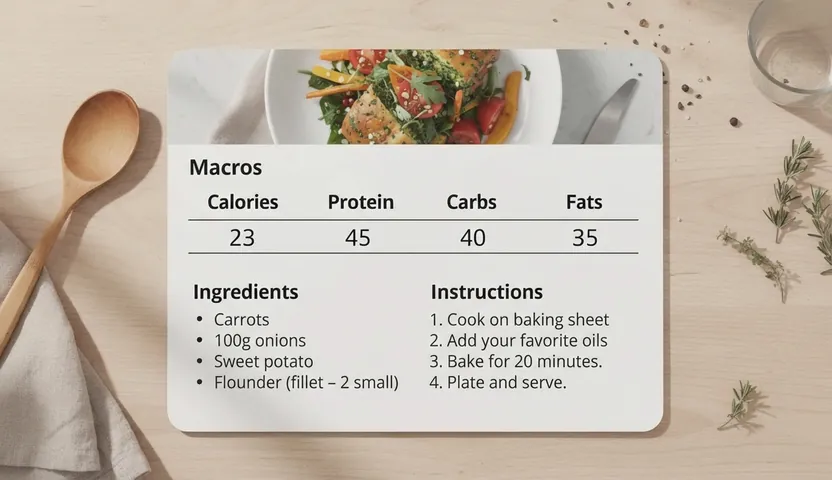
Every saved recipe gets analyzed in the background using spoonacular’s database, giving you information that basic recipe clippers can’t match. When you open a recipe card, you’ll see:
- A full ingredient list with normalized quantities (no more guessing what “a splash” means)
- Step-by-step instructions broken into clear stages instead of a wall of text
- Per-serving nutritional data including calories, protein, carbs, fats, and fiber
Linkflare also auto-detects metadata that helps you filter and search later:
- Cuisine: Italian, Mexican, Japanese, Thai, and dozens more
- Meal type: Breakfast, lunch, dinner, snack, dessert
- Diet compatibility: Vegetarian, vegan, low-carb, paleo, Whole30
- Allergy flags: Peanuts, shellfish, lactose, gluten, tree nuts (when detectable)
Imagine saving a “One-Pan Lemon Chicken” recipe in March 2026. Before you even start cooking, you can see whether it fits your low-sodium diet or contains allergens your family needs to avoid.
Serving size adjustments work automatically. If the original recipe feeds four but you’re cooking for two, change the serving number and watch ingredient amounts update. The nutritional estimates recalculate too, so you know exactly what you’re eating without doing math.
The recipe view displays this information in a clean sidebar alongside the instructions. No cluttered tables or overwhelming data dumps—just the details you need at a glance.
Organizing Recipes: Tags, Folders, and Search Made Simple
If you’ve ever scrolled endlessly through screenshots, browser bookmarks, or a jumble of recipe files, you know that finding the right meal at the right time can feel impossible. Linkflare transforms that chaos into order with powerful, easy-to-use organization tools—so you can actually cook the recipes you love, not just collect them.
Start by importing recipes from anywhere: your favorite food blogs, Instagram finds, or even your own handwritten notes. Every recipe you save—whether it’s a viral TikTok dinner or your own family classic—lands in your personal digital cookbook, ready to be organized your way.
With Linkflare, you can tag recipes by ingredient, course, cuisine, or even by mood (“cozy,” “quick weeknight,” “impress the in-laws”). Create folders for meal plans, holiday menus, or “must-try” lists. The smart search bar lets you find any recipe in seconds—just type in an ingredient, a tag, or even a note you left for yourself (“add more garlic next time!”).
Planning meals for the week? Use the meal planner to drag your favorite recipes into a schedule, then generate a shopping list with all the recipe ingredients you’ll need. The shopping list organizes items by aisle, making grocery shopping faster and more efficient. You can even add extra items—like snacks or pantry staples—so everything’s in one place.
Customizing your collection is simple. Add photos, images, or notes to each recipe, and keep track of tweaks or substitutions that make a dish your own. Whether you’re browsing on your phone, tablet, or computer, all your recipes and meal plans sync instantly across devices—so you’re always ready to cook, shop, or share.
Sharing is just as easy. Send recipes to friends and family, or post your latest creation to Instagram, Facebook, or YouTube. You can even create and share entire cookbooks, complete with images and directions, for special occasions or collaborative meal planning.
And if you want even more control, Linkflare offers additional features like advanced search filters, ad-free browsing, and the ability to upgrade for power users who want to collect, categorize, and manage recipes from every corner of the web.
With Linkflare, organizing your recipes isn’t just easy—it’s actually enjoyable. You’ll save time, reduce food waste, and always have inspiration at your fingertips. Whether you’re planning meals for the week, managing a family cookbook, or just looking for your next favorite recipe, Linkflare keeps your kitchen—and your digital life—running smoothly.
Weekly & Monthly Meal Planning With Recipes
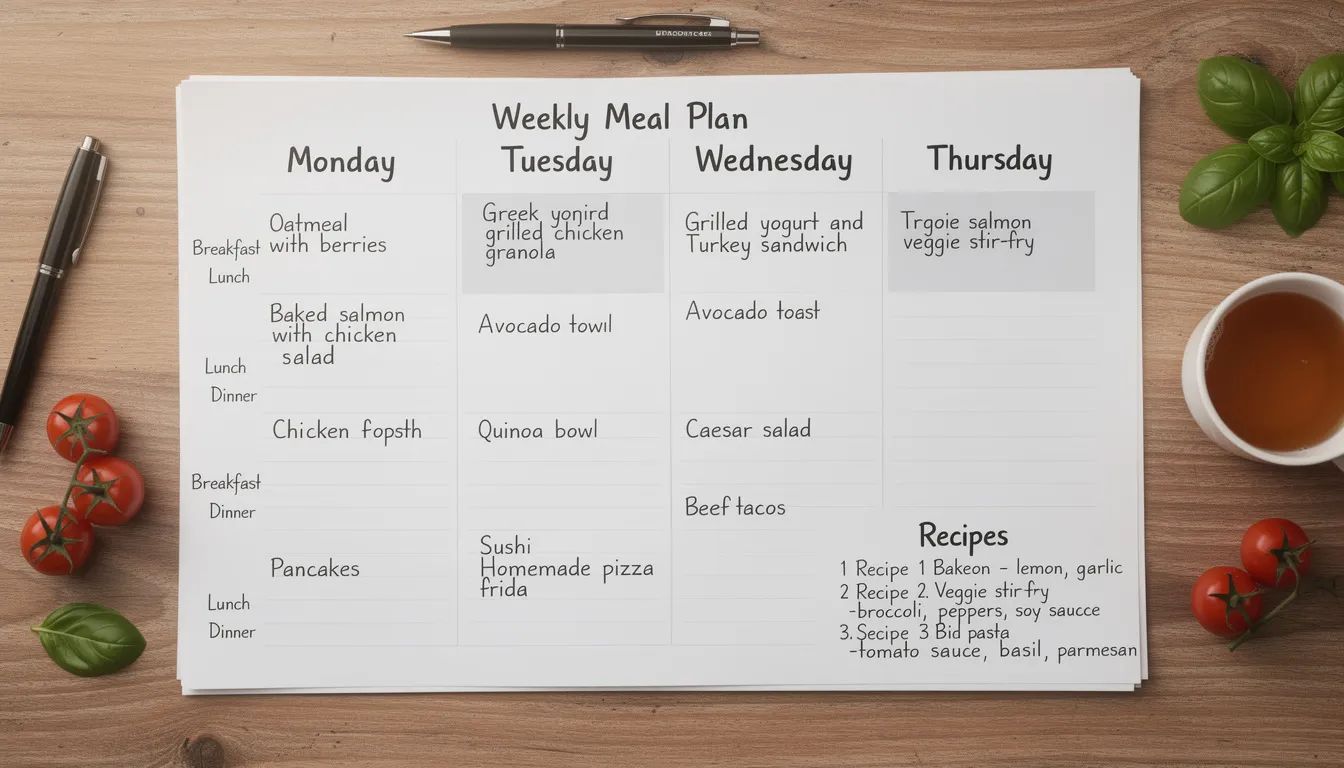
Saving recipes is satisfying, but the real value comes from actually cooking them. Linkflare’s meal planner turns your collection into a concrete schedule you’ll follow.
The planner offers weekly and monthly views:
- Calendar layout: Drag-and-drop recipes into specific days and meals—breakfast, lunch, dinner, or snacks
- Color-coded tags: Visual indicators for diet types (green for vegetarian nights, blue for seafood) help you balance your week
- Flexible slots: Leave some meals blank for leftovers or eating out; the planner doesn’t force rigid structure
Meal plans connect directly to shopping:
- Select an entire week (like 10–16 March 2026) and generate one shopping list from all attached recipes
- Exclude meals marked as “leftovers” or “pantry-only” so you don’t overbuy
- Adjust serving sizes per meal if Monday feeds two but Wednesday feeds six
Planning ahead saves money by reducing impulse purchases and food waste. When you know exactly what you’re cooking, you buy exactly what you need.
For step-by-step setup, visit the meal planning documentation. It covers creating your first plan, syncing with household members, and customizing notification reminders.
Share, Collaborate, and Preserve Family Recipes
Cooking is better when shared. Linkflare makes it easy to share recipes with friends, partners, or entire families for coordinated meal planning.
Sharing options include:
- Public or unlisted links: Generate a shareable URL for any recipe and send it via email, iMessage, WhatsApp, or Facebook. Recipients see a clean recipe card without needing a Linkflare account.
- Collaborative collections: Create shared folders where multiple people can add and edit recipes. Perfect for households planning meals together or friend groups organizing potlucks.
- Read-only access: Share a collection without giving edit permissions. Great for sending a curated “Holiday Desserts” list to family members who just need to browse.
Here’s a concrete example: your family creates a “Family Holiday Cookbook 2026” collection. Each sibling adds one recipe—mom’s pie, dad’s stuffing, your sister’s cranberry sauce. Everyone sees updates instantly, and the collection becomes a living document you return to every November.
Privacy controls let you decide what stays personal. Keep copyrighted recipes or experimental failures private while maintaining links back to original sources for the dishes you do share. Your account, your rules.
Recipe Saver That Works Everywhere (And Offline)
Linkflare is a Progressive Web App (PWA), which means it runs in modern browsers on Windows, macOS, Linux, iOS, Android, and tablets without separate app store downloads. One web address works across all your devices.
Installing Linkflare as a PWA gives you an app-like experience:
- Mobile: Tap “Add to Home Screen” on iOS or Android for a dedicated icon and full-screen view
- Desktop: Install via Chrome or Edge for a standalone window separate from your browser tabs
Offline access keeps recipes available even when connectivity drops:
- Recently opened recipes cache locally, so you can cook in kitchens with weak Wi-Fi
- Edit notes or check off ingredients offline; changes sync when you reconnect
- No more losing your place mid-recipe because the page refreshed
Data syncs across devices in real time. Create a grocery list on your computer during lunch, and it appears on your phone before you reach the store. Add a recipe from your tablet, and it shows up on your partner’s account if you share collections.
Why Linkflare Beats Single-Purpose Recipe Apps
Dedicated recipe clippers do one thing. Linkflare does everything.
Most recipe apps force you into a silo: recipes here, articles there, videos somewhere else. Linkflare’s universal bookmarking means you save recipes alongside travel guides, books, and articles. Everything searchable from one search bar, everything organized with unified tags.
Key advantages over traditional recipe savers:
- Smart classification: Content automatically sorts into “Watch,” “Read,” and “Play” queues. Cooking videos land in Watch; blog recipes go to Read. No manual sorting required.
- Unified tagging: Apply the same tags across all content types. Tag a recipe "Italian" and a travel bookmark "Rome"—search either tag to plan a themed week.
- Distraction-free reading: Open any recipe blog in Linkflare's clean reader mode. Ads, autoplay videos, and pop-ups disappear. Ingredients and directions stay.
- API-powered enrichment: Thanks to spoonacular, saved recipes include nutrition, allergens, and diet data that manual clippers can’t match without tedious data entry.
Linkflare can replace multiple apps: your bookmark manager, your recipe box, your meal planner, and your shopping list—all in one free version to start.
For users who love to organize, Linkflare also supports notes, custom tags by category, and collection hierarchies. Customize the system to match your workflow instead of adapting to rigid software. Some advanced features may require a subscription, giving you access to premium tools and enhanced functionality.
Getting Started: Save Your First Recipe in Under 2 Minutes
Ready to stop losing recipes to forgotten tabs and screenshot chaos? Here’s how to get started:
- Create a free account at linkflare.io
- Install the browser extension or set up the mobile share target from your account settings
- Save your first recipe from a popular site like Allrecipes or Serious Eats by clicking the Linkflare button
- Open the new recipe in Linkflare to see ingredients, steps, nutrition, and tags automatically populated
- Add to a collection or drag into a meal plan to schedule your week
For a deeper walkthrough—including importing photos of cookbooks and handwritten family recipes—check the full recipe management documentation.
Your next favorite meal is already saved somewhere in your digital life. With Linkflare as your recipe saver, you’ll finally cook it instead of just collecting it. Create your account today and turn scattered bookmarks into a cookbook you’ll actually use.
📖 Related guide: Best Recipe Organizer App 2026 — see how Linkflare works as a complete recipe manager with extraction, meal planning, and more.
Ready to simplify your cooking?
Join thousands of users who have transformed their kitchen chaos into calm.
Start Saving Recipes for FreeKeep Reading
The Best Read Later Apps in 2026
Save articles, videos, and PDFs for distraction-free reading across all your devices.
Best Bookmark Managers in 2026
Compare the top tools for organizing your links, research, and digital collections.
Introducing Linkflare: The Universal Bookmark Manager
See how Linkflare handles recipes, travel, reading lists, and more in one place.
Best Chrome New Tab Page Extensions in 2026
Turn every new tab into a productivity dashboard with bookmarks, tasks, and more.