Documentation Menu
View Settings
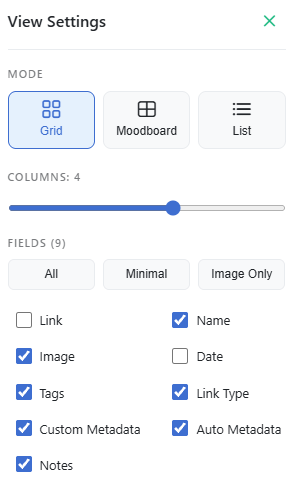
Linkflare offers extensive customization options so you can view your bookmarks your way.
Layout Modes
Switch between different layouts depending on your content.
- Grid View: A balanced view showing the cover image and details. Great for general use.
- List View: A compact view. Perfect for scanning through hundreds of text-heavy bookmarks.
- Moodboard View: A Pinterest-style layout (masonry) that optimizes for image aspect ratios. Ideal for design inspiration and moodboards.
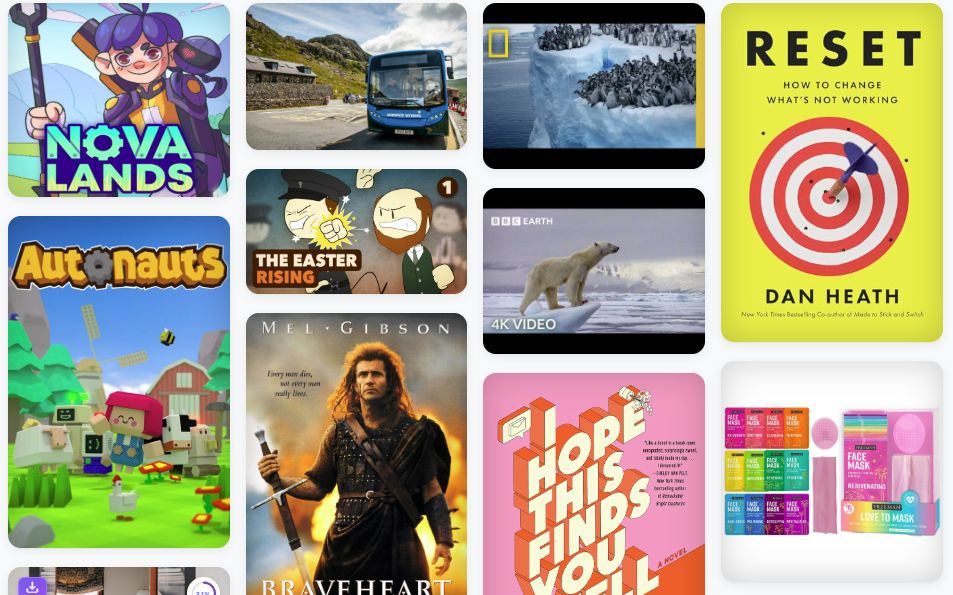
Customizing the Grid
You can adjust the density of the grid to fit your screen.
- Columns: Use the slider to change the number of columns.
Visible Fields
Control exactly what information is displayed on each card. You can toggle:
- Link
- Name
- Image
- Date
- Tags
- Link Type
- Custom Metadata
- Auto Metadata
- Notes
Light & Dark Mode
Linkflare supports both Light and Dark themes.
- Light: Best for bright environments.
- Dark: Easy on the eyes, perfect for night time.
You can toggle this in the User Menu (top right corner).