Documentation Menu
Linkflare Vault
The internet is fragile. Websites go down, articles get deleted, and content changes. Linkflare Vault ensures you never lose a bookmark.
How it Works
Whenever you save a bookmark to Linkflare, our system automatically creates a permanent snapshot of the page.

This snapshot is stored securely in the Linkflare Vault. It captures the text, images, and layout of the page exactly as it appeared when you saved it.
Accessing the Vault
If you try to visit a bookmark and the original link is dead (404 error), or if the content has changed, you can view the Vault version.
- Open the bookmark in Linkflare.
- Click the View Vault Version button (purple lock icon).
- The snapshot will open in a new tab.
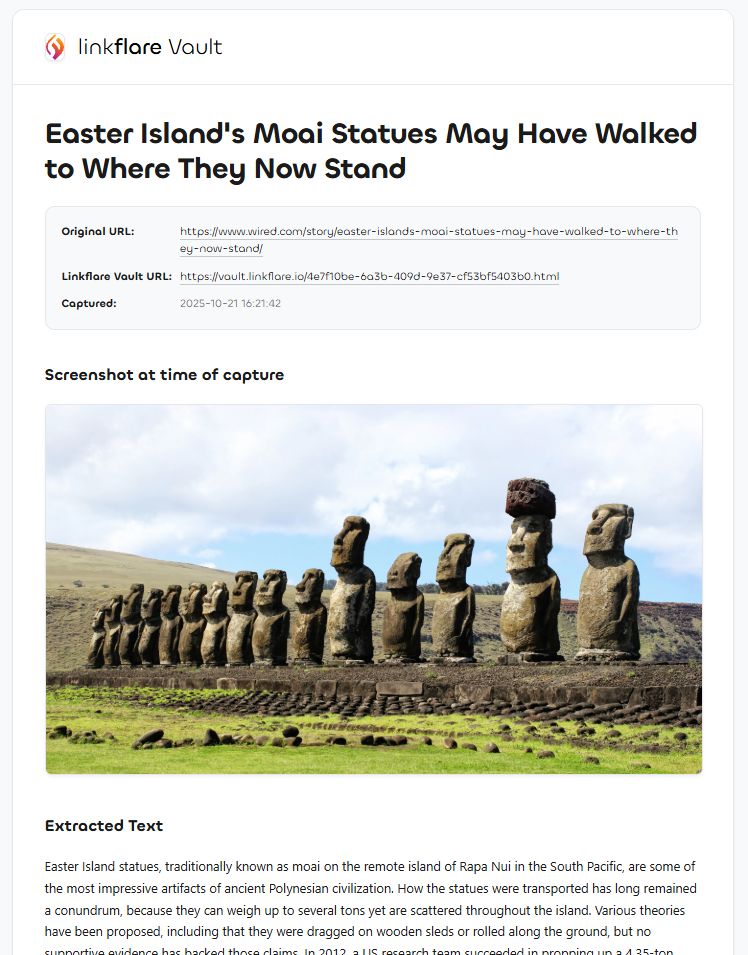
Peace of Mind
With Linkflare Vault, you can build a personal library that lasts a lifetime. Your knowledge base is independent of the original websites' uptime.