Best Hypershoot Alternatives in 2026
What is Hypershoot?
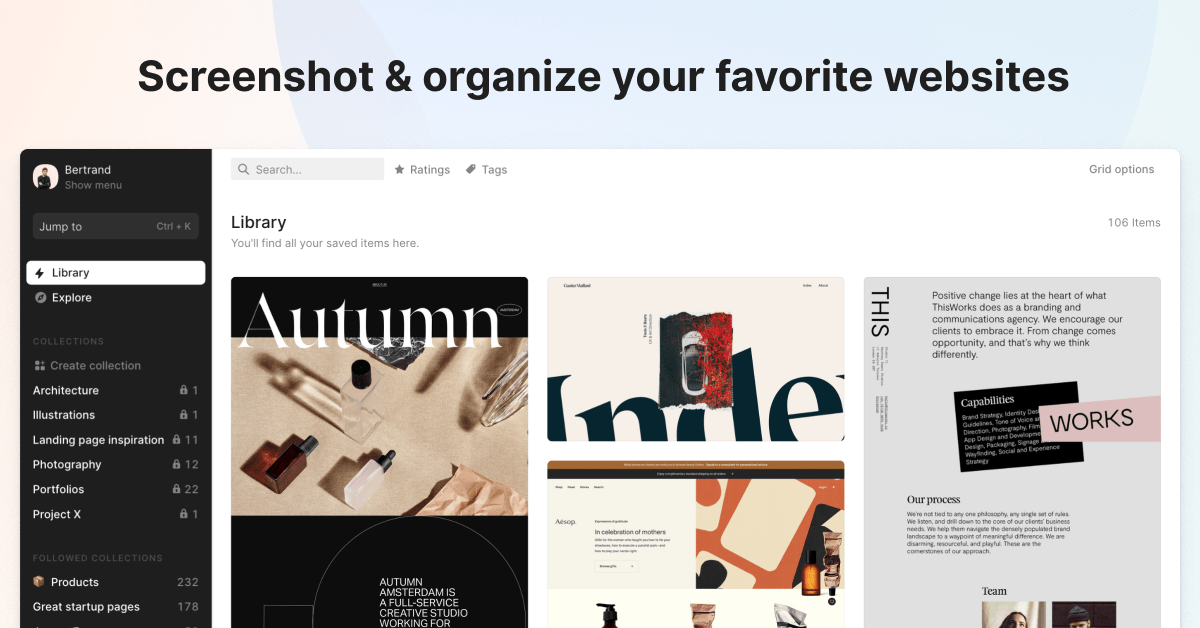
https://hypershoot.com/Hypershoot specializes in responsive web screenshot capture, automatically saving desktop, tablet, and mobile screenshots whenever a URL is saved, making it uniquely valuable for web designers, UX researchers, and developers who need to track how websites look and behave across screen sizes. The browser extension enables capturing any URL with a single click without leaving the current browsing session. Team collaboration features allow creating shared screenshot collections where multiple members can contribute and review saved visual captures together. Keyboard shortcuts and quick actions are woven throughout the interface to support efficient, mouse-free operation for power users. The platform has been actively developed and maintained since 2014, reflecting a long-term commitment to serving its professional user base. Hypershoot fills a distinct niche between pure bookmark managers and professional screenshot tools, catering specifically to design-adjacent professionals who need visual reference libraries. It's particularly popular with design agencies, UX teams, and front-end developers for competitive design analysis, client research, and visual inspiration gathering. Its responsive screenshot feature alone sets it apart from any other tool in the bookmark management category.
Why look for Hypershoot alternatives?
While Hypershoot is a solid tool, it may not fit everyone's needs. Whether you're looking for different features, better pricing, stronger privacy, platform-specific support, or simply want to explore what else is out there — there are plenty of great alternatives worth considering. Here are the 20 best options in 2026.
Top 20 Hypershoot Alternatives
- 1

Linkflare
Linkflare is the universal bookmark manager that goes beyond saving links — it helps you consume, plan, and act on your saved content with smart metadata for books, movies, recipes, and more. Features include trip planning with map views, meal planning, movie night voting, shared wishlists, distraction-free reading, and hierarchical tags. Available on every platform with browser extensions, mobile apps, and a PWA for desktop.
Try Linkflare Free - 2

Bookmax
Bookmax is a classic online bookmark manager operating since 2003, featuring nested folders, tags, notes, usage statistics, newsfeeds, and full import/export functionality. Both free and premium versions are available, with private and public bookmark page options for personal and shared use. As one of the oldest running bookmark services, it appeals to users who value longevity and comprehensive organizational features.
Visit Bookmax - 3
Bookmarkify
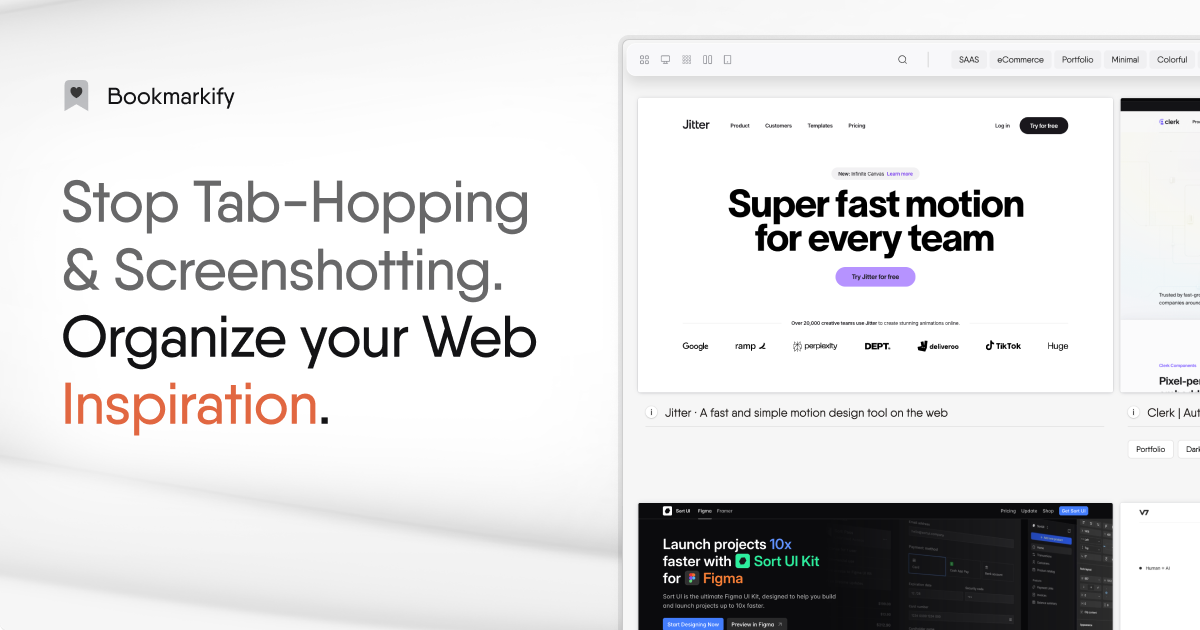
Bookmarkify is a visual bookmark manager designed specifically for web designers and creative professionals, capturing full-page screenshots and offering multiple view modes including grid, fullscreen, and mobile preview. An AI-powered design analysis tool extracts fonts and full color palettes from saved websites, making it invaluable for building style guides, moodboards, and referencing design patterns. Used by over 2,000 designers, it also offers team collaboration via Bookmarkify Collab.
Visit Bookmarkify - 4
Brace.to
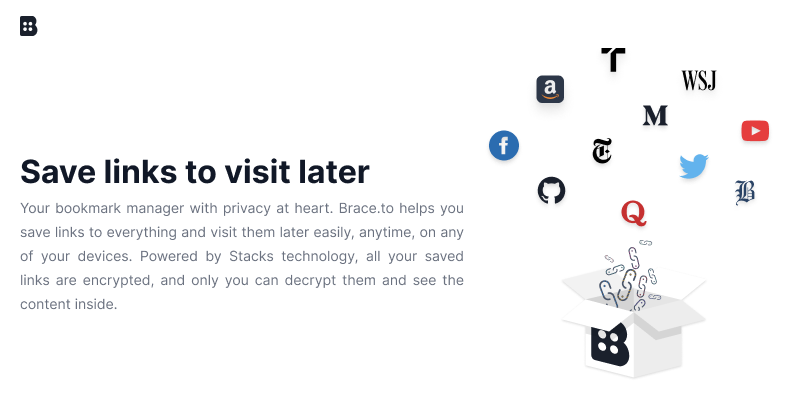
Brace.to is a privacy-first, blockchain-powered bookmark manager where all data is end-to-end encrypted using Stacks technology, making it impossible even for Brace.to itself to read user data. Only you, with your Secret Key, can access and decrypt your saved links, and your account cannot be locked, banned, or deleted by the service. Available on web, Chrome extension, Firefox extension, iOS, and Android.
Visit Brace.to - 5
Linkinize
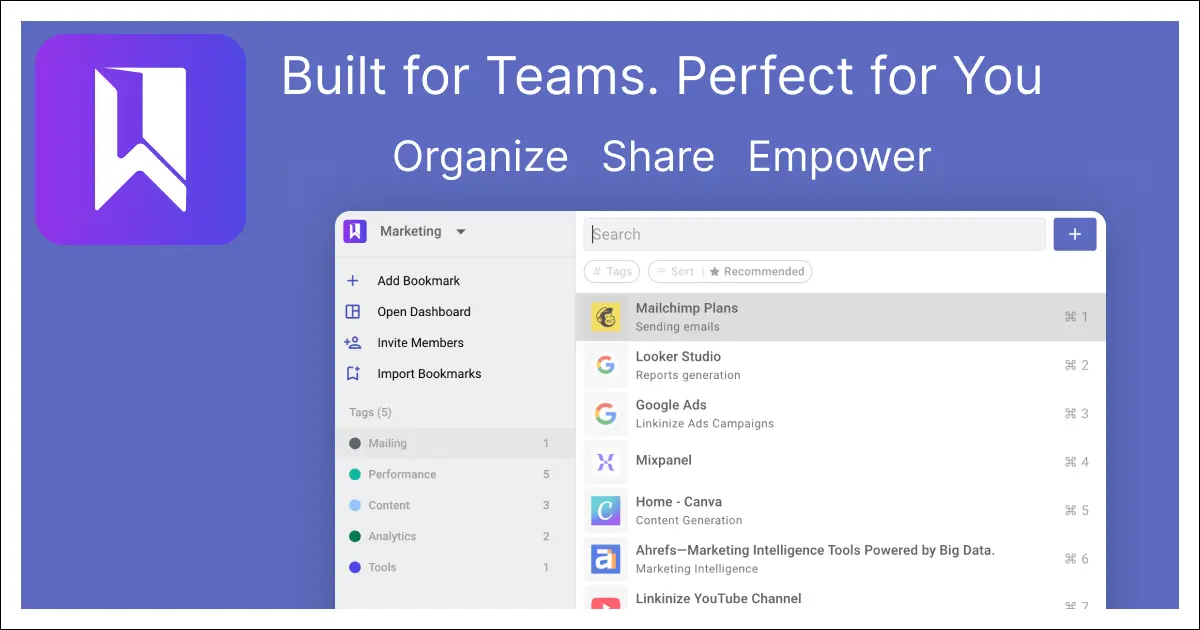
Linkinize is an AI-powered bookmark manager built specifically for teams and businesses, with shared workspaces, AES256 encryption, SAML SSO, and AI that auto-generates titles, descriptions, and smart tags. Multi-workspace support, Confluence integration, and beautiful public bio pages make it a complete team knowledge management solution. A free tier covers up to 4 workspaces and 10 members, with paid plans for larger teams.
Visit Linkinize - 6
Bookmark It.
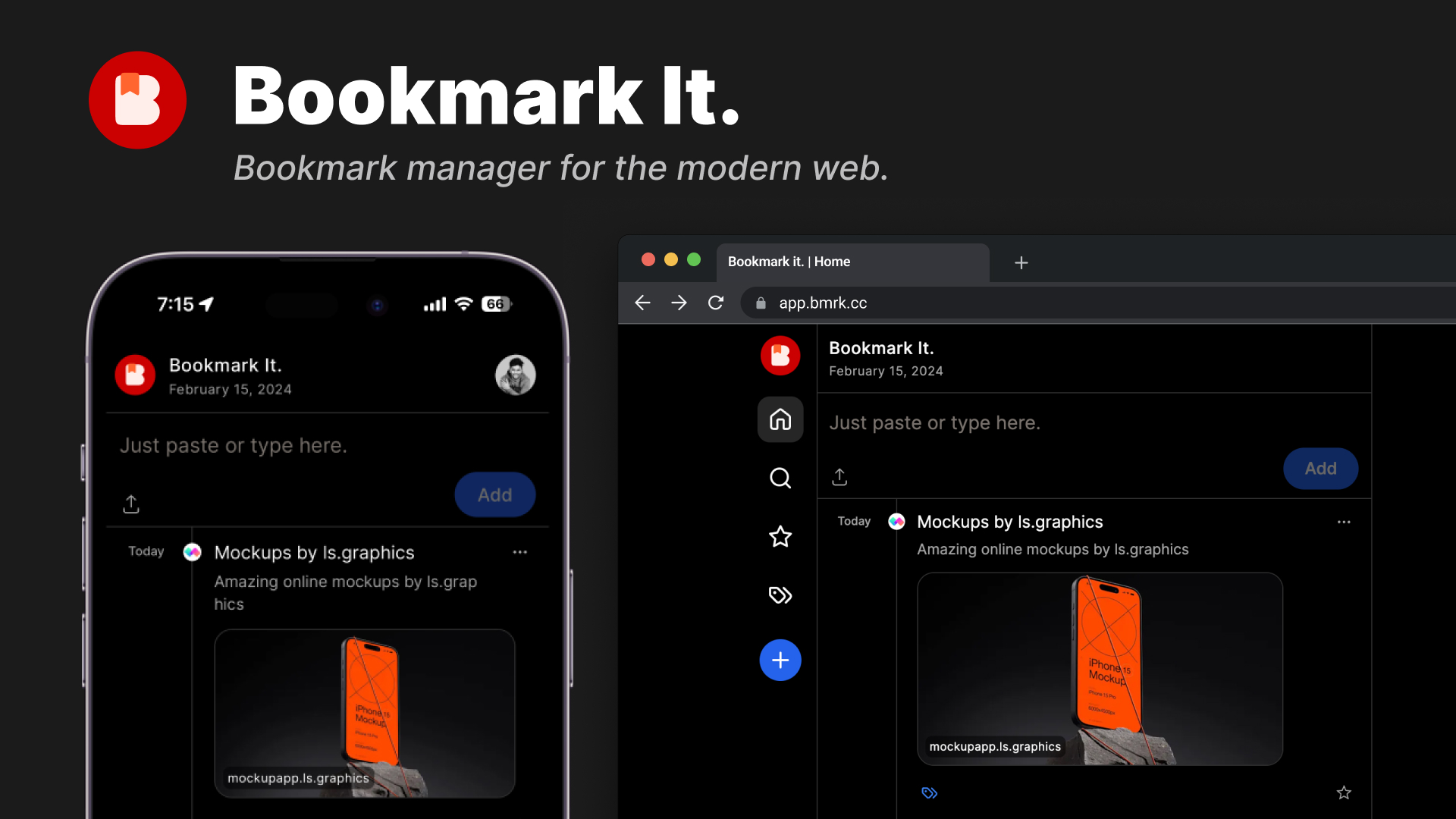
Bookmark It. (bmrk.cc) is a modern, open-source bookmark manager with a Twitter-like timeline view for historical browsing, one-click saving, favorites, tagging, and shareable collections. Clean and fast, the interface organizes bookmarks chronologically for easy browsing through saved content over time. Available with a free tier and a $24/year Pro plan, source code is publicly available on GitHub.
Visit Bookmark It. - 7
Bookmarkme
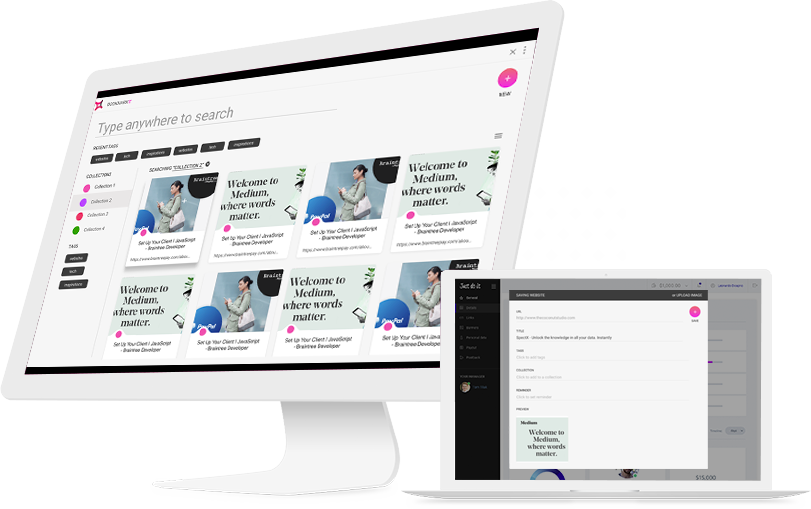
Bookmarkme (Bookmarkit) is a feature-rich bookmark manager with AI-powered recommendations, advanced search across titles and tags, reminders, collaboration, and image storage. Password-protected collections, a map view for geolocated bookmarks, and the ability to save images alongside URLs set it apart from simpler tools. It positions itself as a "Bookmark Manager on Steroids" for power users who want comprehensive organization.
Visit Bookmarkme - 8
GoodLinks
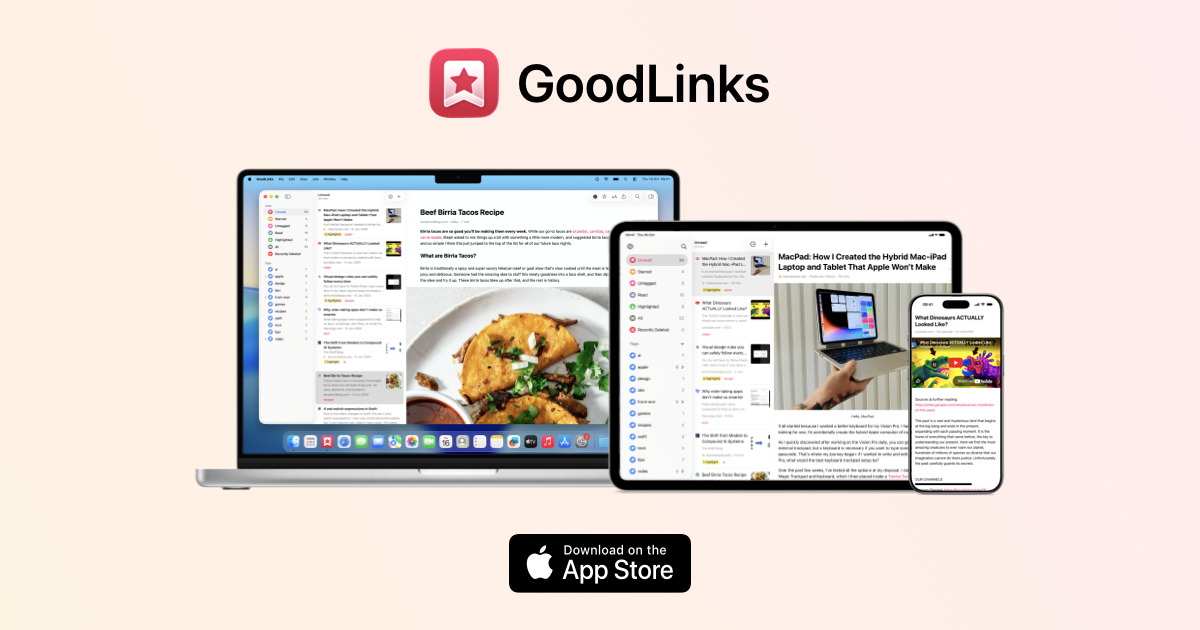
GoodLinks is a premium native Apple read-later and bookmarking app for Mac, iPhone, and iPad with a beautiful distraction-free reader, color-coded highlighting, and iCloud sync. Purchased once from the App Store, it provides lifetime access with a year of feature upgrades included. GoodLinks is completely private, with no user tracking or data sharing of any kind.
Visit GoodLinks - 9

ClippingMini
ClippingMini is an AI bookmark manager that automatically generates summaries, tags, and content classifications for every saved link across Chrome, Edge, Safari, and mobile. It turns scattered saved links into organized, structured knowledge without any manual effort. The platform also supports viewing office documents like HWP, DOCX, and PDF directly in the browser alongside saved bookmarks.
Visit ClippingMini - 10
Klart
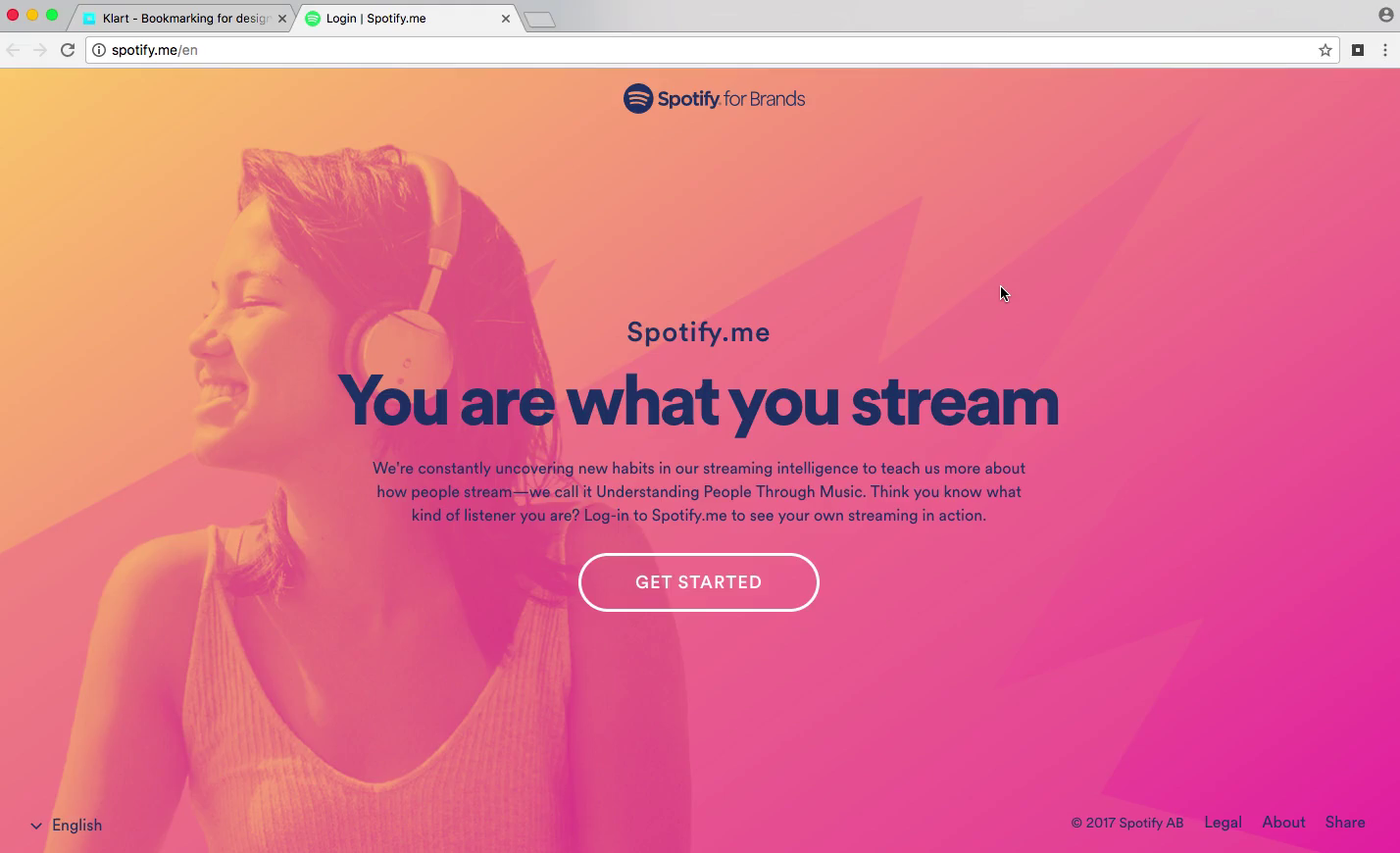
Klart is a bootstrapped bookmark and screenshot manager from Stockholm that automatically captures a visual screenshot alongside every saved link. Chrome and Firefox extensions enable one-click saving, and bookmarks are organized with collections, tags, and notes for easy retrieval. At $49/year after a 14-day free trial, Klart is a transparent, no-gimmick service focused on doing bookmarking exceptionally well.
Visit Klart - 11

Dropmark
Dropmark is a visual organization tool for teams and individuals to collect, organize, and discuss web content, images, files, and links in beautifully laid-out collections. With over 15 years of operation and more than 31 million items uploaded, it's a trusted platform for creatives and teams who need visual organization. Collections can be published publicly or kept private, with zero advertising.
Visit Dropmark - 12
Zulu
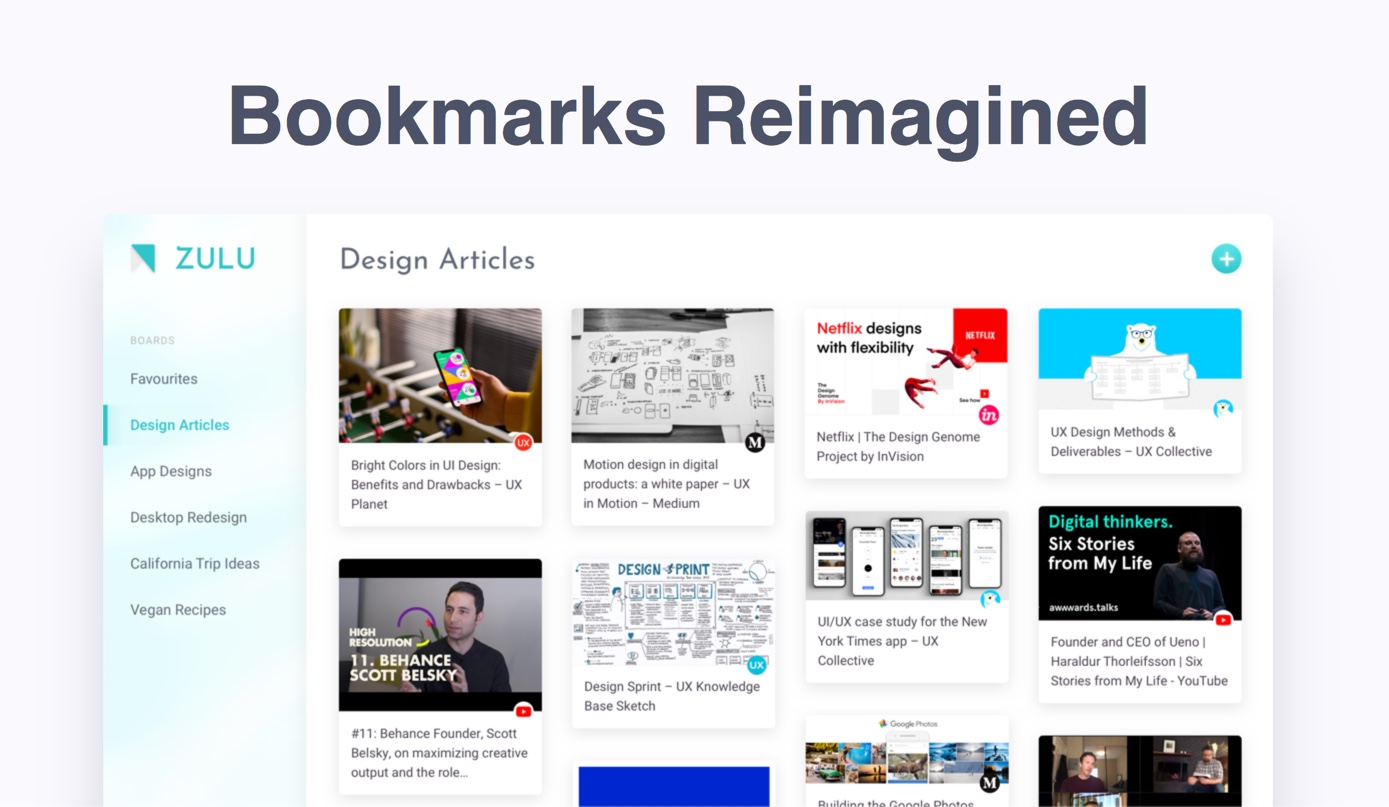
Zulu is a visual bookmark manager built by designers around collaborative boards, making it easy to curate and share web content with teams or friends. A browser extension for Chrome, Opera, and Brave saves all open tabs to a board in just two clicks, solving the endemic tab overload problem. Boards can be shared and accessed from any device, making collaborative content curation frictionless.
Visit Zulu - 13

Diigo
Diigo is a research-focused bookmarking platform that combines link saving with web annotation, sticky notes, and collaborative group sharing for over 9 million users. It lets you highlight text directly on any web page or PDF and leave persistent sticky notes visible on future visits. Its Outliner feature structures research into organized knowledge bases, making it popular in academic and professional settings.
Visit Diigo - 14
Linkleft
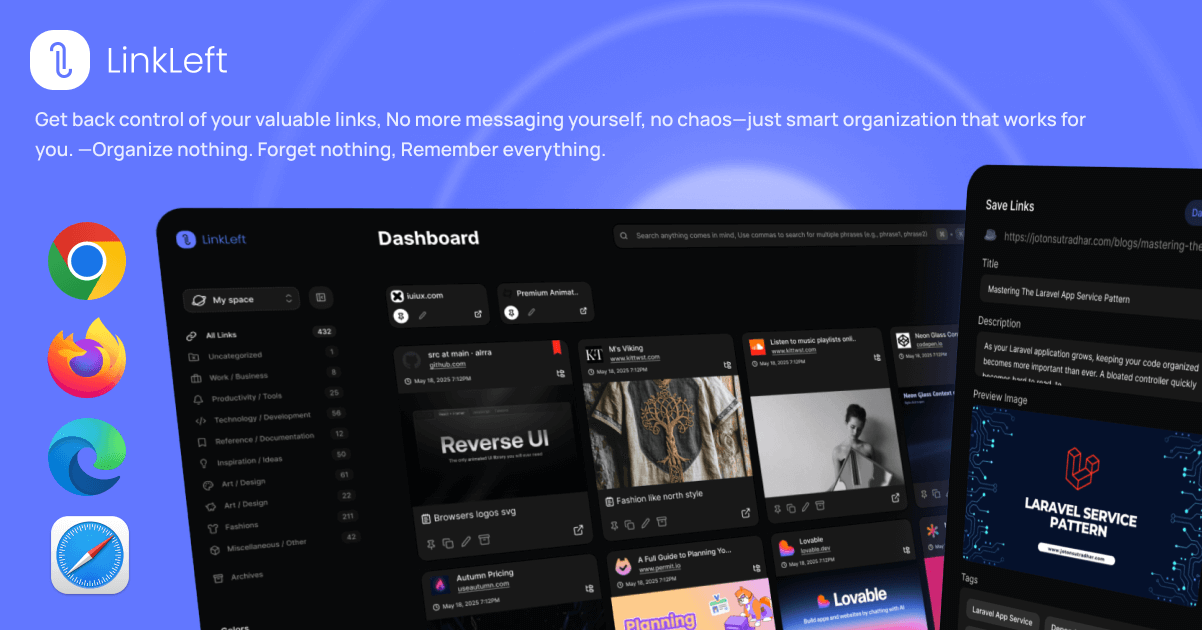
Linkleft is a modern bookmark manager focused on clean, distraction-free link saving and organization. It provides a streamlined interface for capturing and retrieving web links with tagging and collection support. Designed for users who want a contemporary bookmarking experience without the clutter of older solutions.
Visit Linkleft - 15
Anybox
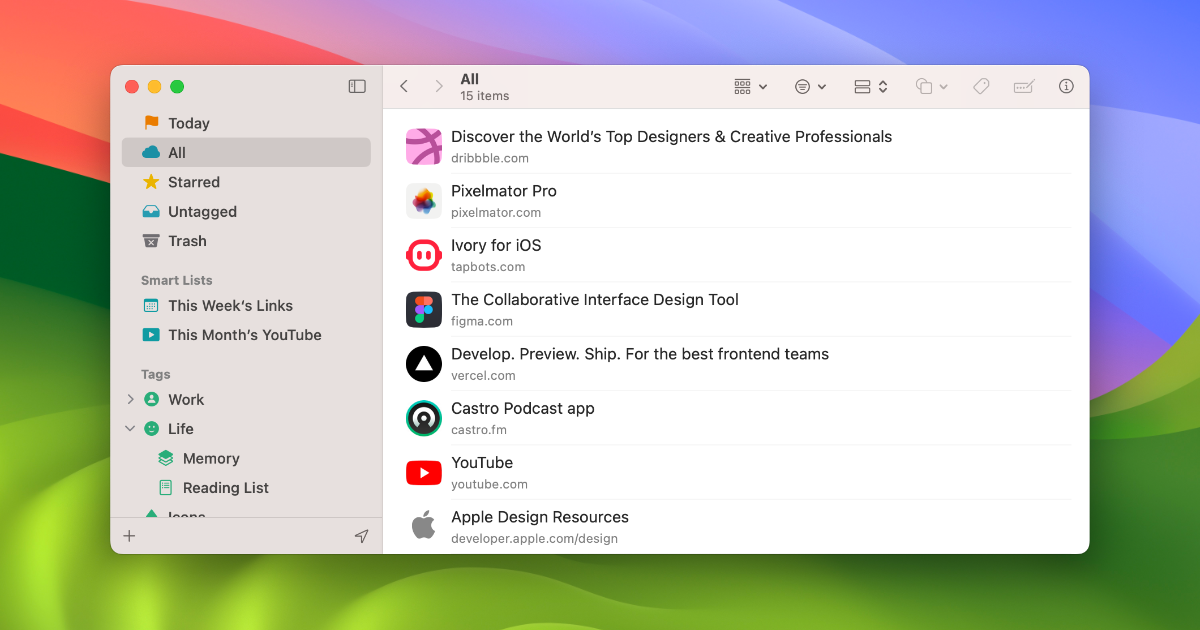
Anybox is a native Apple bookmark manager for Mac, iPhone, and iPad with powerful organization through nested tags, smart lists, iCloud sync, and Quick Find overlay. Users can archive bookmarks as PDFs or web archives and automate workflows via Siri Shortcuts, AppleScript, and integrations with Raycast and Alfred. Privacy is guaranteed as all data syncs via iCloud with no personal data collection.
Visit Anybox - 16
Start.me
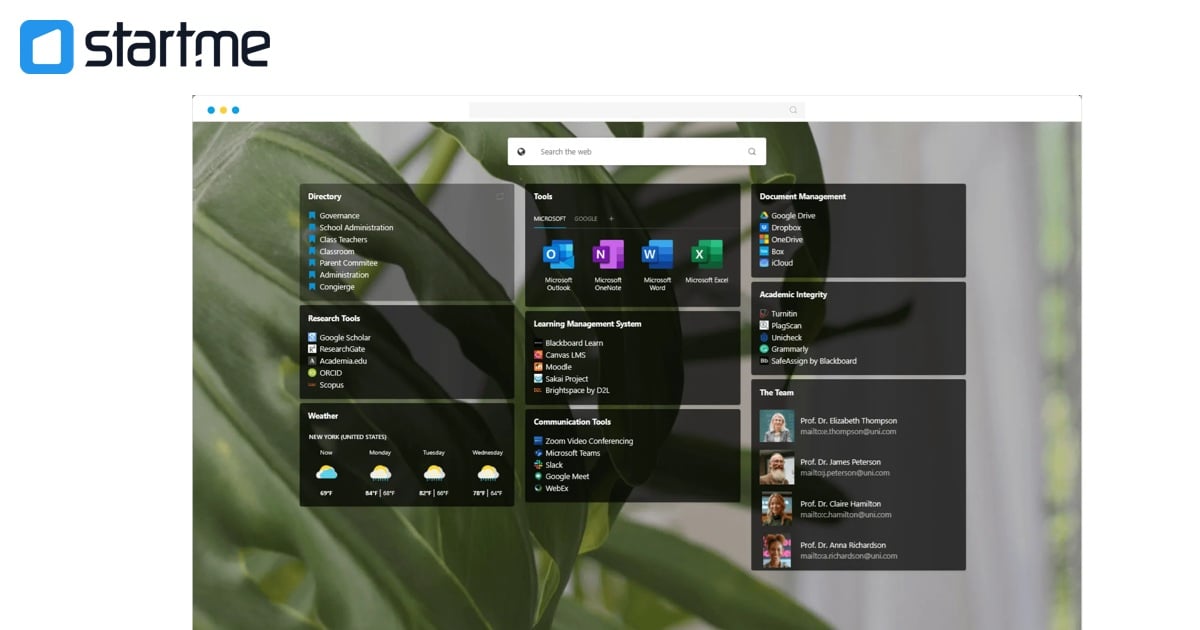
Start.me is a customizable browser start page that centralizes bookmarks, live RSS feeds, and over 50 widgets in one personalized productivity dashboard. Used by over 350,000 people and teams, it replaces the browser's new tab with an organized hub for all daily web tools. Teams can collaborate in real time on shared pages, and the platform is popular in OSINT, education, and cybersecurity research communities.
Visit Start.me - 17
GGather
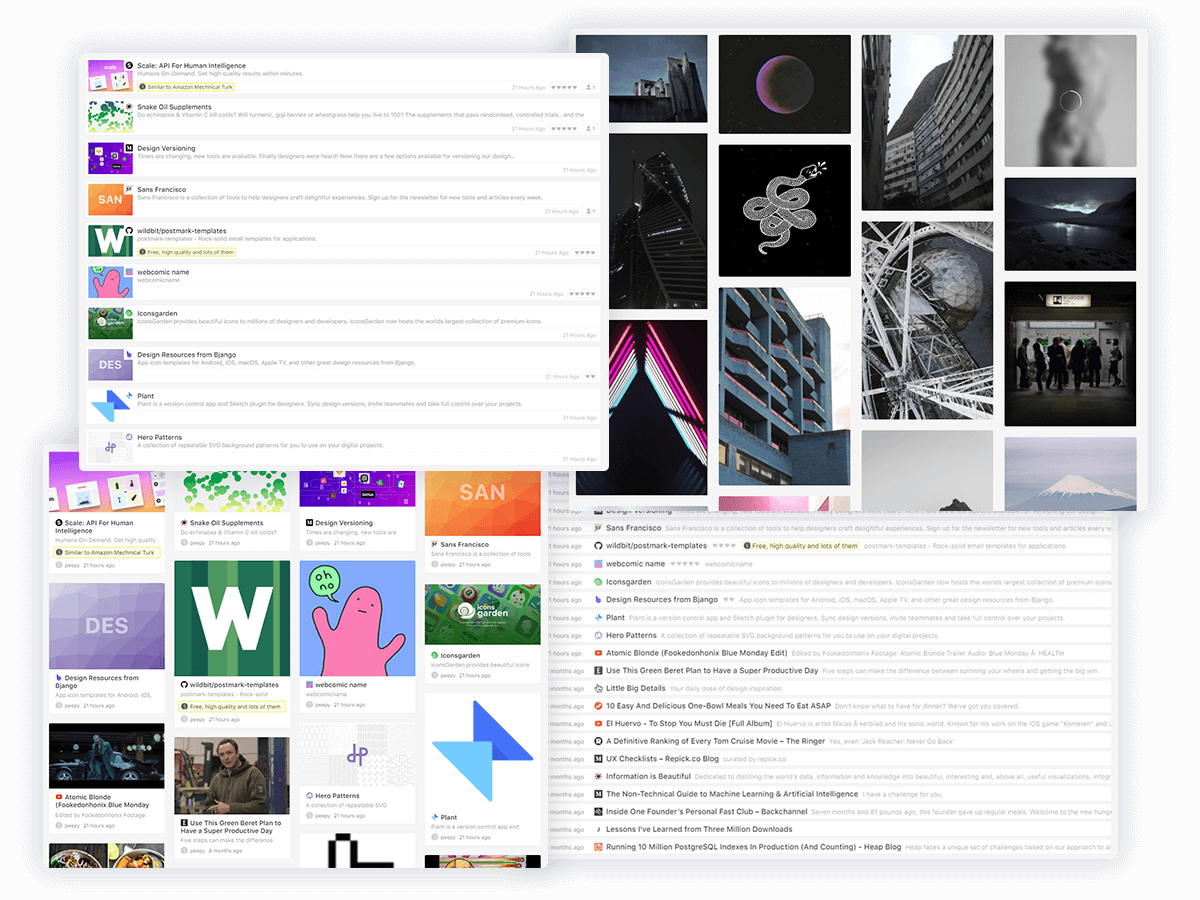
GGather is a balanced bookmark manager with a thoughtful feature set including multiple view modes, notes and ratings, annotations, friendly tags, and a built-in reader view. Content can be saved via web app, Chrome extension, direct URL, or bookmarklet, with advanced search, sorting, and filtering for comprehensive retrieval. It aims to provide the right mix of features without overwhelming complexity.
Visit GGather - 18

Bookmark OS
Bookmark OS is an all-in-one browser-based productivity desktop combining bookmark management, task management, note taking, and file storage with a Mac and Windows-inspired UI. AI-powered folder suggestions, visual page screenshot icons, Dropbox backup, and 10+ customizable themes set it apart from simpler tools. It's accessible from any device via browser and caters to users who want their entire digital workflow in one place.
Visit Bookmark OS - 19
Bookmark Ninja
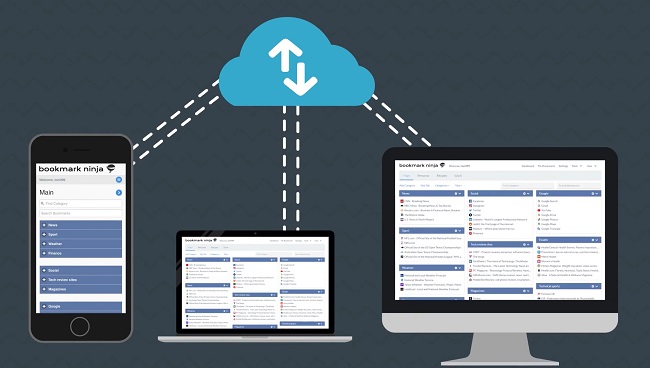
Bookmark Ninja is a web-based bookmark manager with a unique Dashboard view that organizes links into Tabs, Categories, and bookmarks in a fully customizable 3-5 column layout with drag-and-drop and color customization. A second My Bookmarks view provides detailed tag-based browsing and advanced search, with a separate Catalog for archiving older links. Private by default with optional sharing, it works in all browsers without installation at $1.99/month after a 30-day free trial.
Visit Bookmark Ninja - 20
booky.io
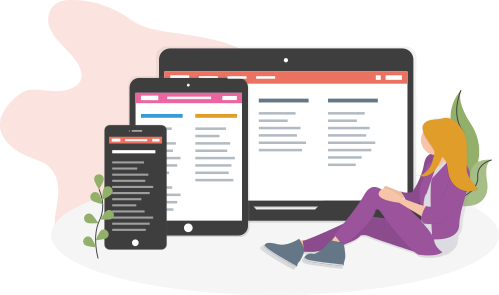
booky.io is a clean, private, and fast online bookmark manager with over 89,000 members who have saved more than 26 million bookmarks. It organizes links into collections and categories, features a dark mode with customizable colors, and offers browser extensions for Chrome, Firefox, and Edge. Made in Hamburg with no ads, no spam, and no hidden costs, it's a trusted European bookmark service.
Visit booky.io
Ready to try the best Hypershoot alternative?
Linkflare goes beyond bookmarking — plan trips, share wishlists, organize recipes, and never lose a link again. Get started for free today.