Best Cling Alternatives in 2026
What is Cling?
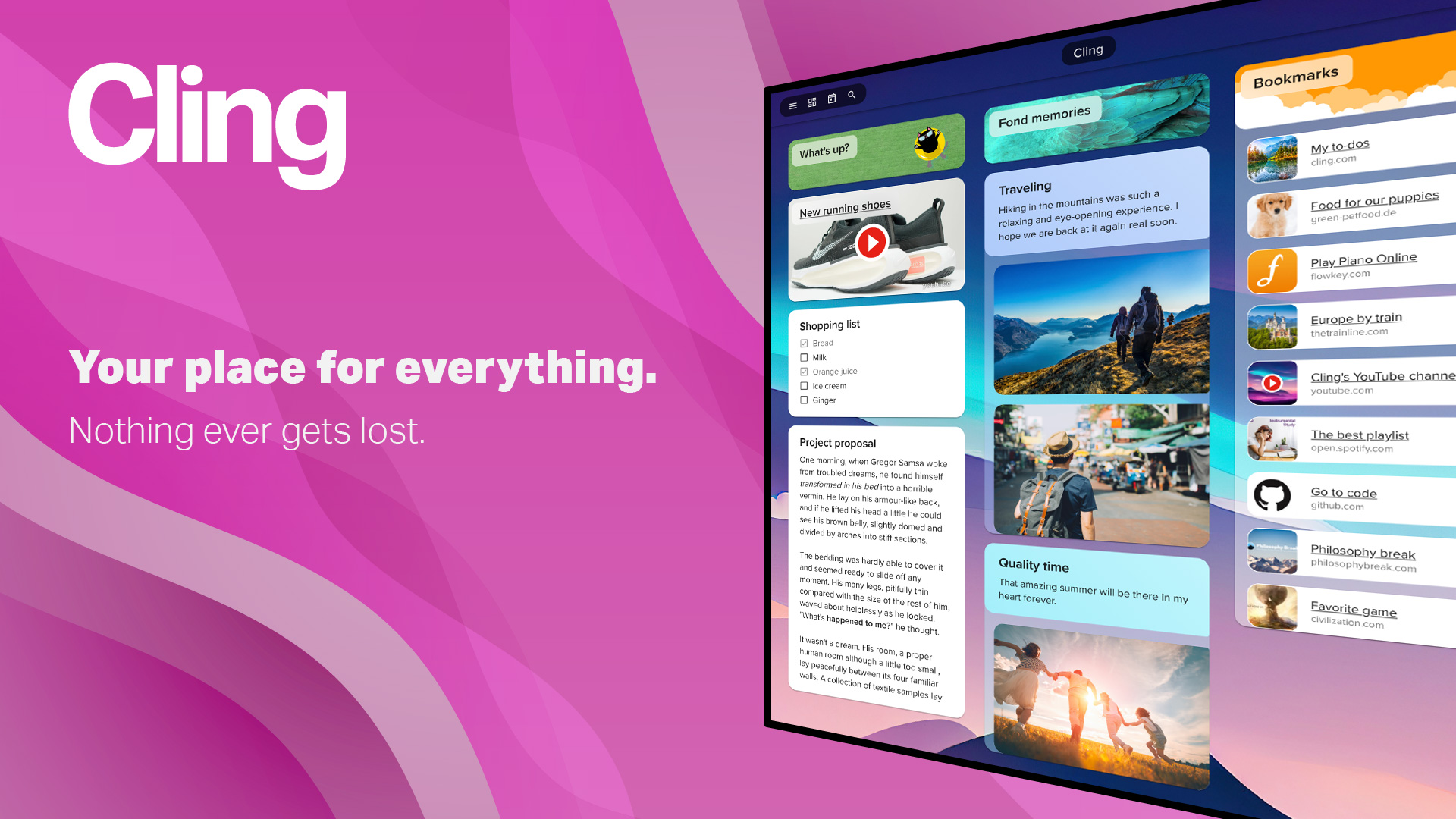
https://cling.com/en/index.htmlCling is a flexible organizational workspace that uses a visual board metaphor to bring notes, bookmarks, media files, and documents into one coherent, structured environment. The board layout gives users a spatial overview of all their information at once, making it easier to see relationships between content items that a linear list would obscure. Users can create separate boards for distinct purposes: one for managing bookmarks, another for a photo gallery, another for project to-do lists, and yet another for research documentation. Team functionality enables collaborative board editing, making Cling suitable for professional team knowledge management alongside personal use. The platform maintains a clean, well-designed interface with structured visual presentation of all content types without visual clutter. Both free and paid tiers are available, with the paid plan unlocking additional features and storage capacity. Available in English and German, Cling has a strong European user base and caters to users who need more than a link manager but don't want the complexity of a full project management platform. Its "nothing ever gets lost" promise reflects a focus on comprehensive information capture and retrieval.
Why look for Cling alternatives?
While Cling is a solid tool, it may not fit everyone's needs. Whether you're looking for different features, better pricing, stronger privacy, platform-specific support, or simply want to explore what else is out there — there are plenty of great alternatives worth considering. Here are the 20 best options in 2026.
Top 20 Cling Alternatives
- 1

Linkflare
Linkflare is the universal bookmark manager that goes beyond saving links — it helps you consume, plan, and act on your saved content with smart metadata for books, movies, recipes, and more. Features include trip planning with map views, meal planning, movie night voting, shared wishlists, distraction-free reading, and hierarchical tags. Available on every platform with browser extensions, mobile apps, and a PWA for desktop.
Try Linkflare Free - 2

Instapaper
Instapaper is one of the original read-later apps, allowing users to save any web content with one click for distraction-free offline reading on any device. It strips away ads and clutter from saved articles, delivering a clean reading experience with adjustable fonts and sizes. Highlights and comments let users capture key passages for future reference.
Visit Instapaper - 3
Siimpl
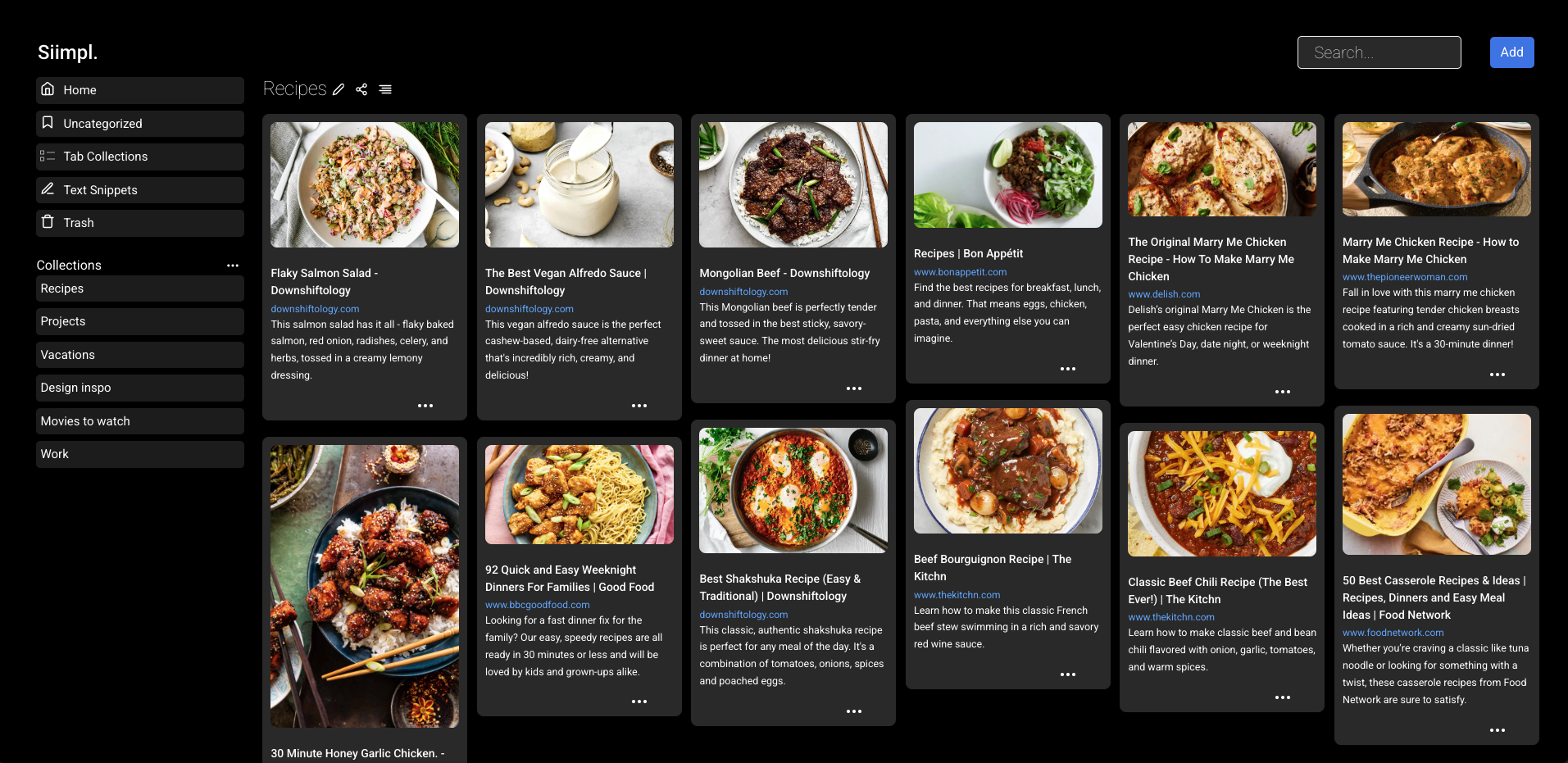
Siimpl is a straightforward bookmarking app for saving websites, images, and videos, available across iOS, Android, web, Chrome, and Edge. Collections can be shared with read-only or edit permissions, and a PIN-protected hidden mode keeps sensitive bookmarks invisible until unlocked. It emphasizes a "simplify your digital life" philosophy, making it ideal for casual users who want a clean, no-fuss experience.
Visit Siimpl - 4

Tefter
Tefter is a team link sharing tool built for speed, featuring custom URL aliases, a powerful browser extension with tab switching and history search, and deep Slack integration. Teams can create shortcuts like "/go standup" to access any URL instantly from the browser address bar. Made in Athens and London, it's particularly popular with engineering and technical teams who value keyboard-driven productivity.
Visit Tefter - 5
Karakeep
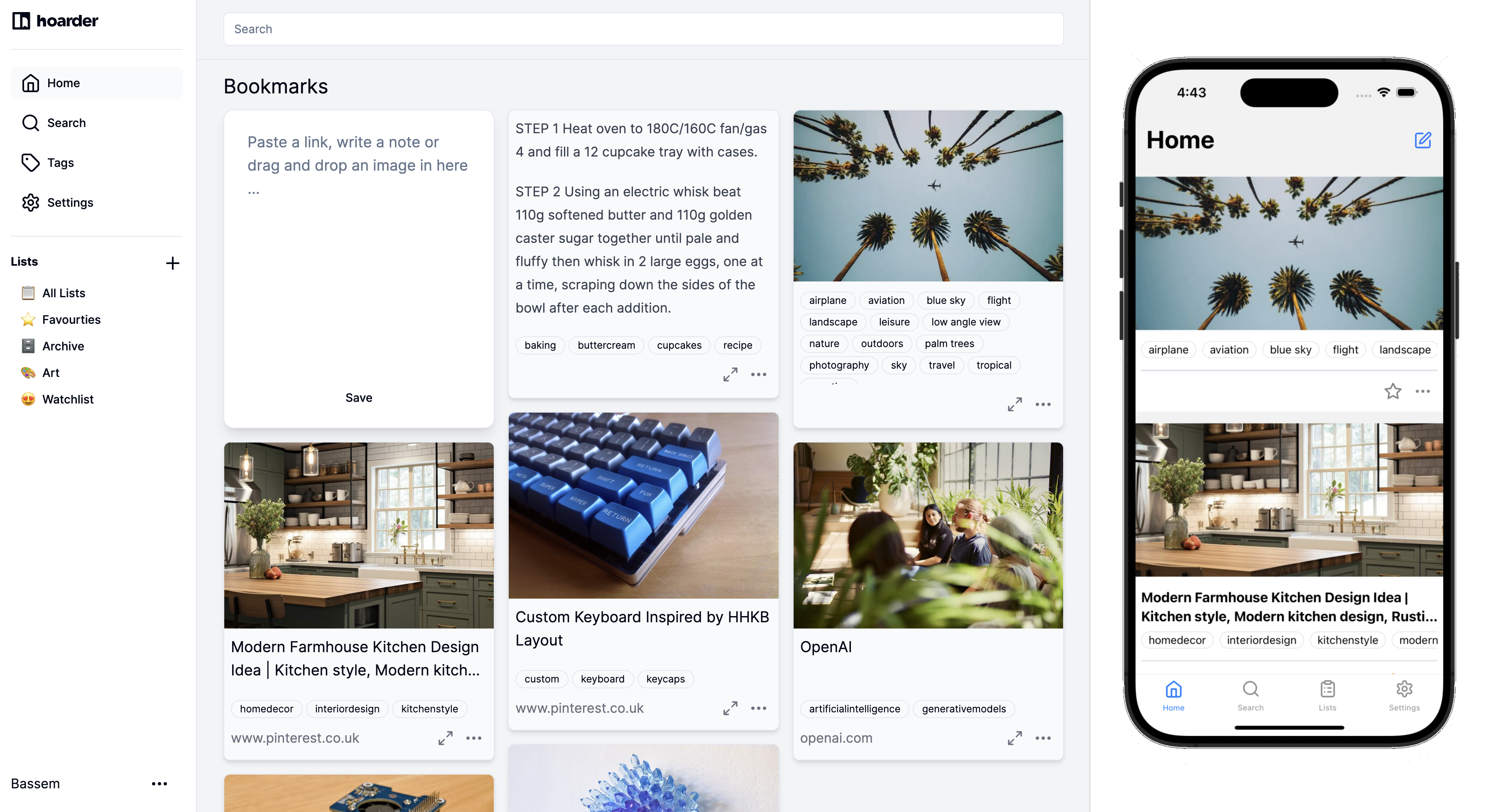
Karakeep is an AI-powered bookmark manager built for data hoarders, with automatic tagging, RSS feed auto-ingestion, self-hosting via Docker, and collaborative shared lists. It supports saving links, notes, images, and PDFs, all with full-text search for instant retrieval. With over 22,000 GitHub stars, it has become a beloved open-source tool in the personal knowledge management community.
Visit Karakeep - 6
GoodLinks
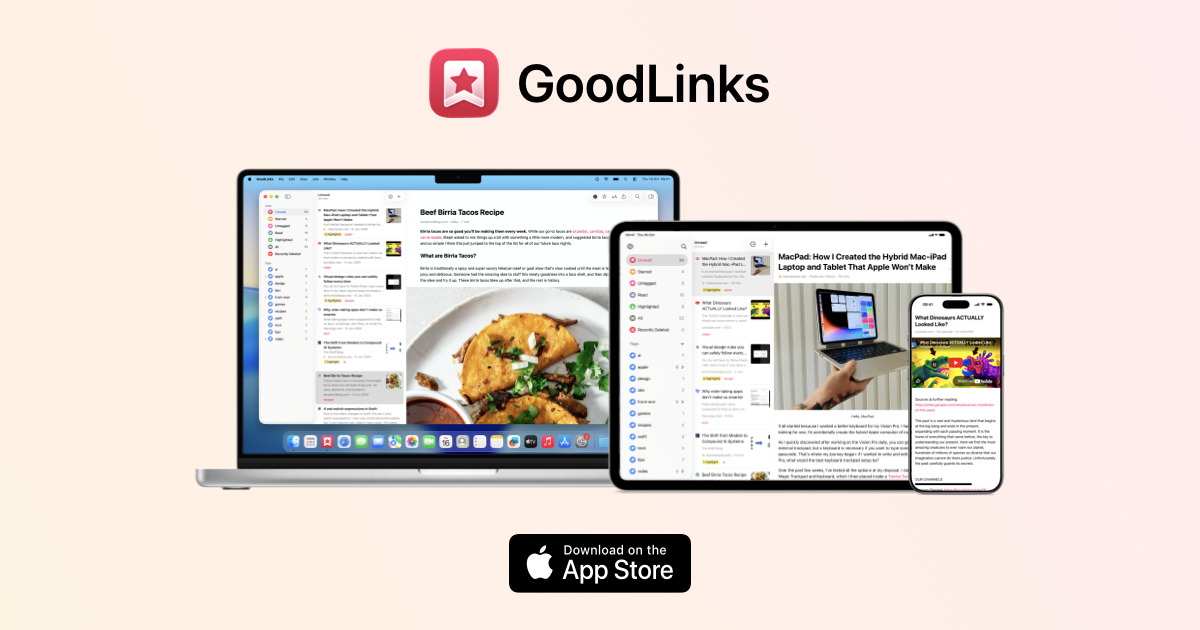
GoodLinks is a premium native Apple read-later and bookmarking app for Mac, iPhone, and iPad with a beautiful distraction-free reader, color-coded highlighting, and iCloud sync. Purchased once from the App Store, it provides lifetime access with a year of feature upgrades included. GoodLinks is completely private, with no user tracking or data sharing of any kind.
Visit GoodLinks - 7
Bookmark It.
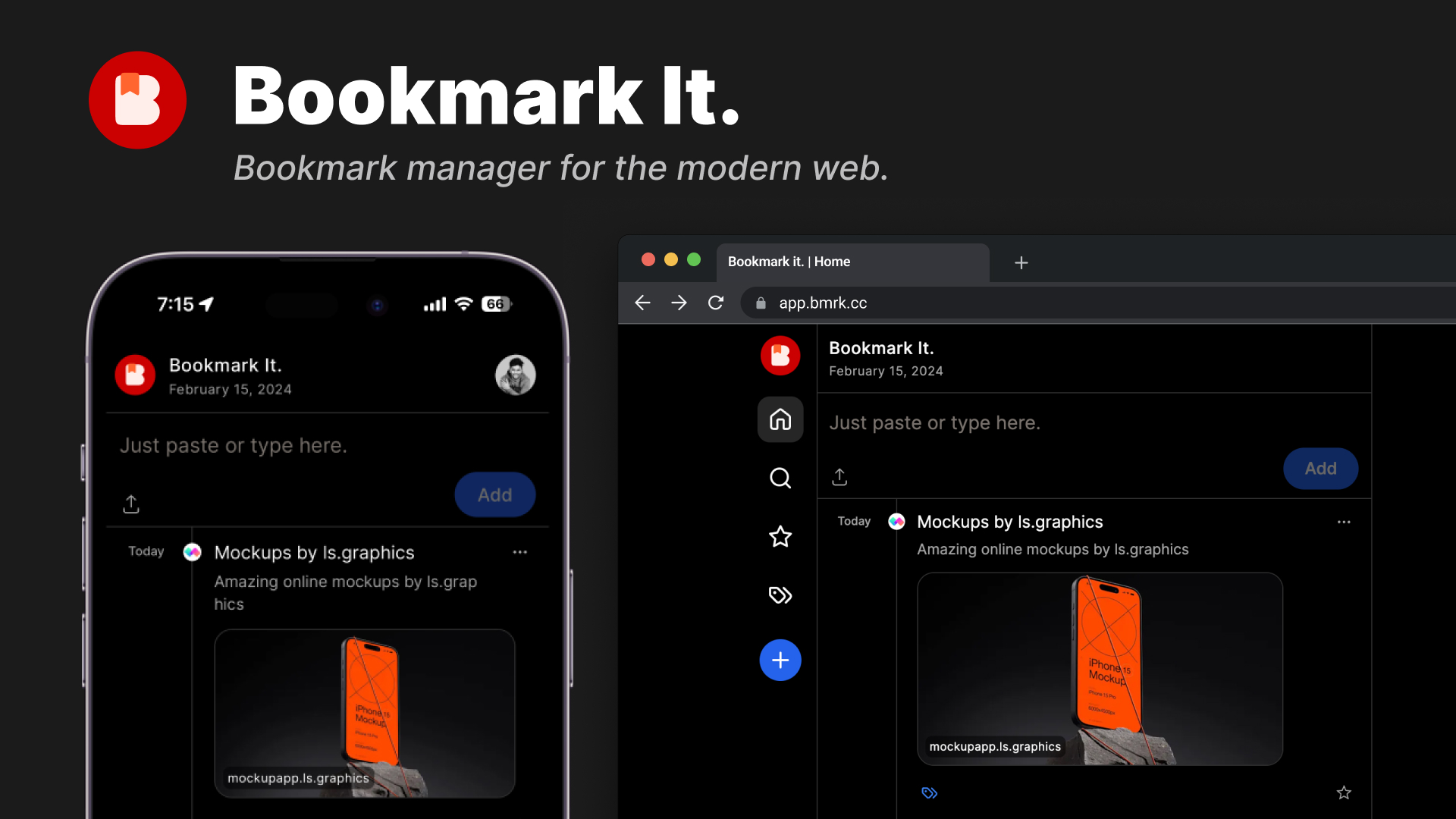
Bookmark It. (bmrk.cc) is a modern, open-source bookmark manager with a Twitter-like timeline view for historical browsing, one-click saving, favorites, tagging, and shareable collections. Clean and fast, the interface organizes bookmarks chronologically for easy browsing through saved content over time. Available with a free tier and a $24/year Pro plan, source code is publicly available on GitHub.
Visit Bookmark It. - 8
Zulu
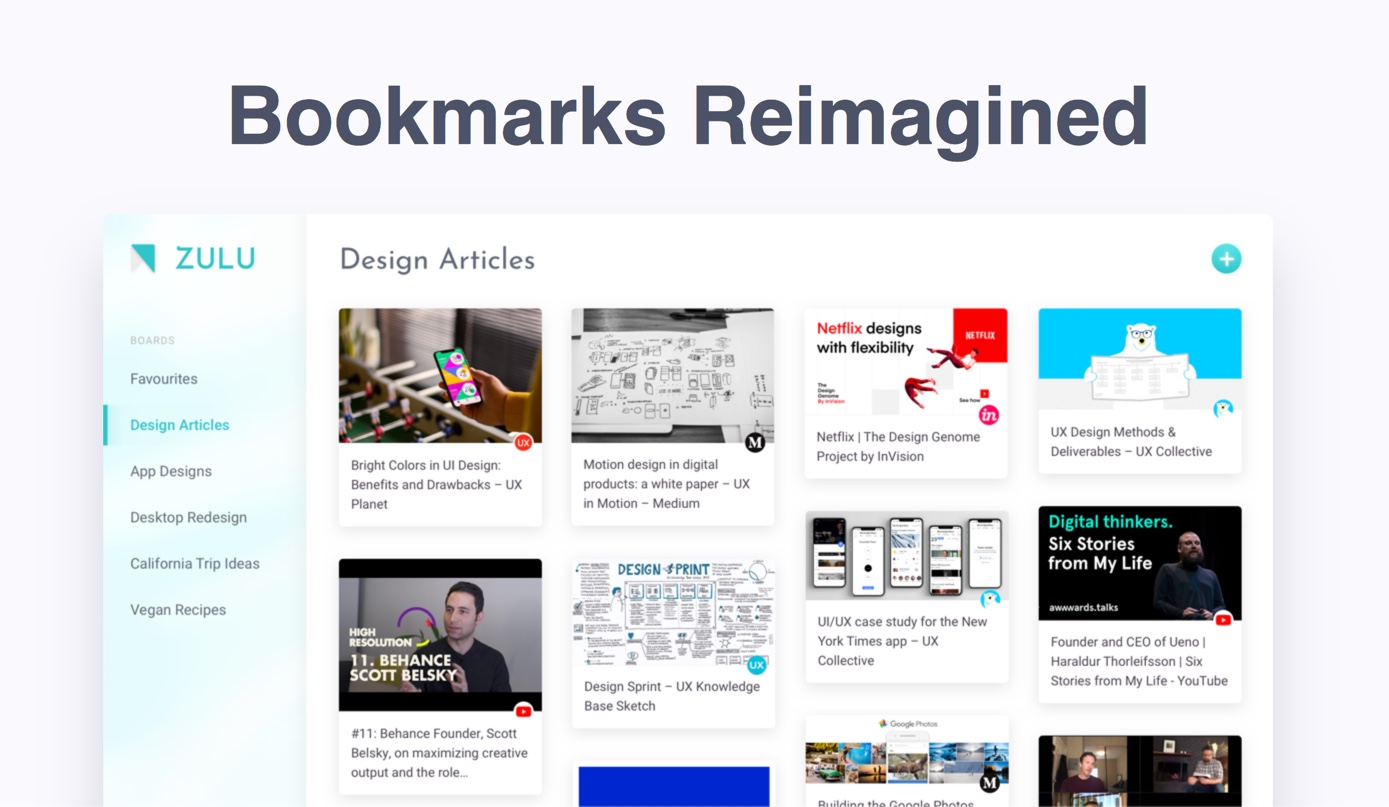
Zulu is a visual bookmark manager built by designers around collaborative boards, making it easy to curate and share web content with teams or friends. A browser extension for Chrome, Opera, and Brave saves all open tabs to a board in just two clicks, solving the endemic tab overload problem. Boards can be shared and accessed from any device, making collaborative content curation frictionless.
Visit Zulu - 9
Klart
Klart is a bootstrapped bookmark and screenshot manager from Stockholm that automatically captures a visual screenshot alongside every saved link. Chrome and Firefox extensions enable one-click saving, and bookmarks are organized with collections, tags, and notes for easy retrieval. At $49/year after a 14-day free trial, Klart is a transparent, no-gimmick service focused on doing bookmarking exceptionally well.
Visit Klart - 10

Homepage Ninja
Homepage Ninja is a free online bookmark manager and browser homepage with drag-and-drop organization, cloud sync, to-do lists, and temporary link storage. Bookmarks can be displayed as icons, text links, or organized lists, and everything syncs to the cloud for access on any device. Completely free with no advertising, it serves as a simple one-stop personal web portal.
Visit Homepage Ninja - 11
Bookmark Ninja
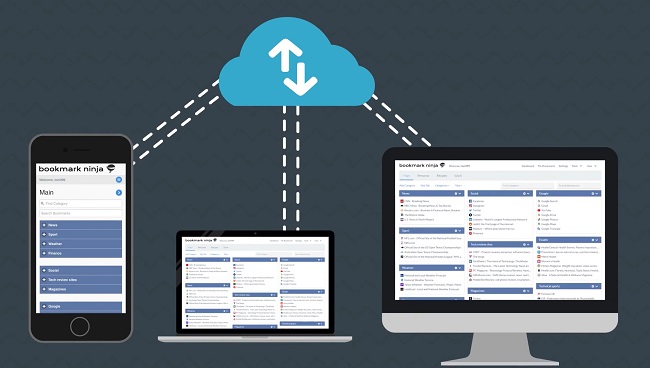
Bookmark Ninja is a web-based bookmark manager with a unique Dashboard view that organizes links into Tabs, Categories, and bookmarks in a fully customizable 3-5 column layout with drag-and-drop and color customization. A second My Bookmarks view provides detailed tag-based browsing and advanced search, with a separate Catalog for archiving older links. Private by default with optional sharing, it works in all browsers without installation at $1.99/month after a 30-day free trial.
Visit Bookmark Ninja - 12
Linkinize
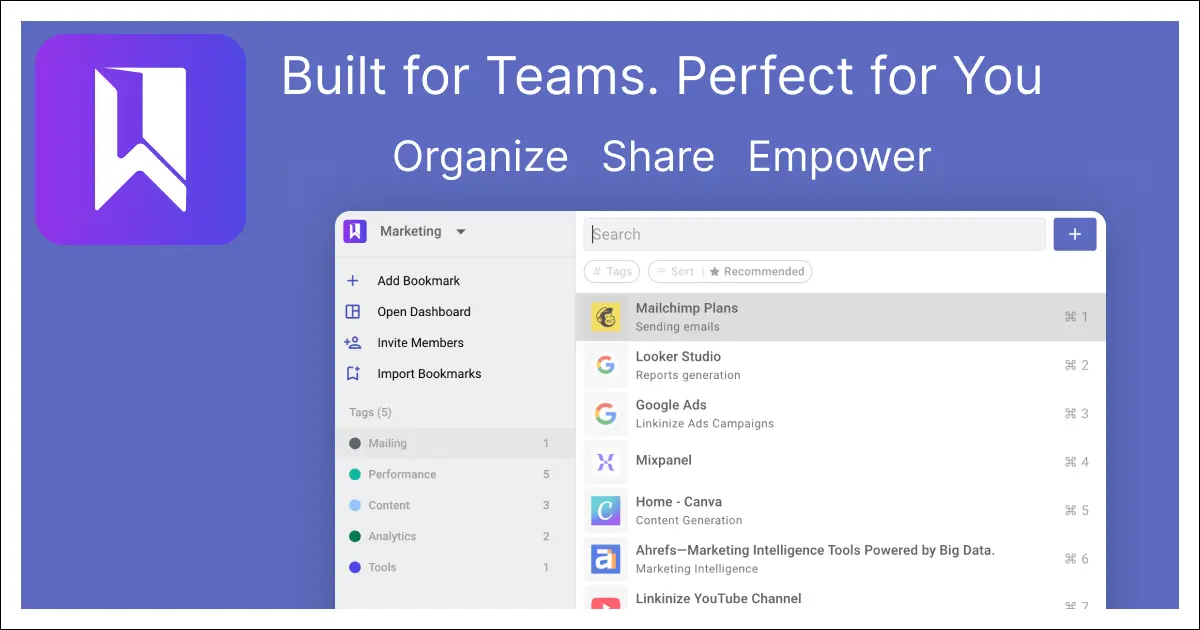
Linkinize is an AI-powered bookmark manager built specifically for teams and businesses, with shared workspaces, AES256 encryption, SAML SSO, and AI that auto-generates titles, descriptions, and smart tags. Multi-workspace support, Confluence integration, and beautiful public bio pages make it a complete team knowledge management solution. A free tier covers up to 4 workspaces and 10 members, with paid plans for larger teams.
Visit Linkinize - 13
Anybox
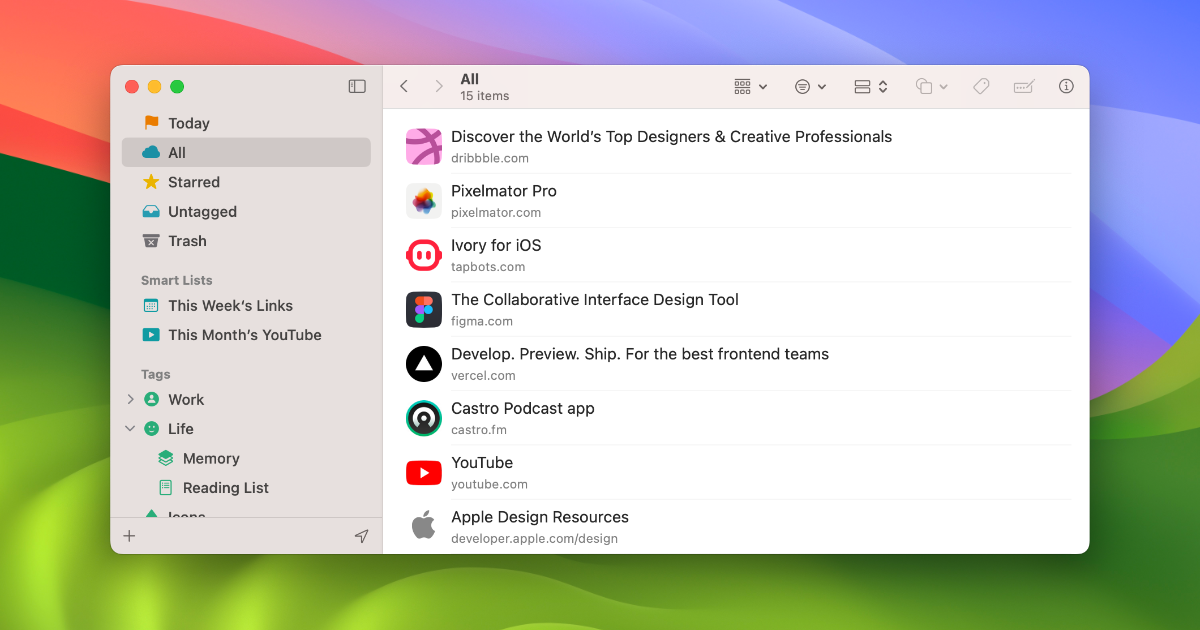
Anybox is a native Apple bookmark manager for Mac, iPhone, and iPad with powerful organization through nested tags, smart lists, iCloud sync, and Quick Find overlay. Users can archive bookmarks as PDFs or web archives and automate workflows via Siri Shortcuts, AppleScript, and integrations with Raycast and Alfred. Privacy is guaranteed as all data syncs via iCloud with no personal data collection.
Visit Anybox - 14
Faved
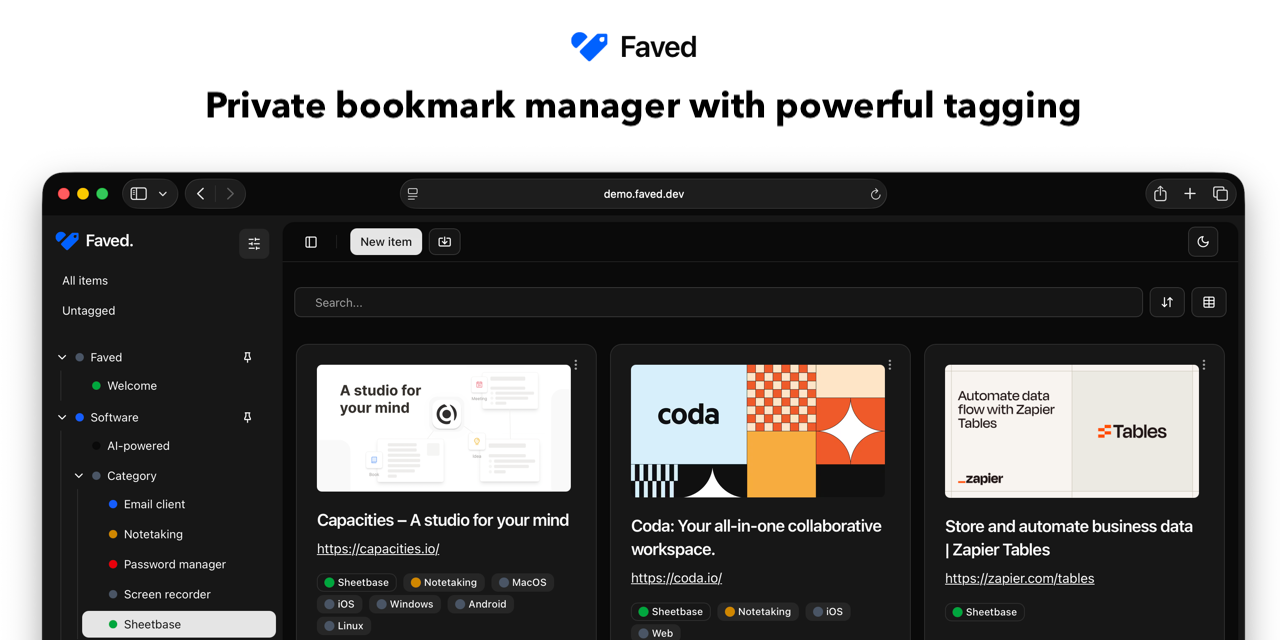
Faved is a self-hosted, open-source bookmark manager built with React, PHP 8, and SQLite, deployable instantly via Docker with a single command. It features a hierarchical nested tagging system, exceptional performance (2000+ bookmarks loading in under 100ms), Pocket import, and a clean minimal interface. Privacy is absolute as all data lives on the user's own server with no third-party cloud dependencies.
Visit Faved - 15

Bookmarkee
Bookmarkee is a simple, free, private online bookmarking service that has been operating since 2006, helping over 544,000 registered users organize their frequently visited websites. All bookmarks are private by default and accessible from a personal dashboard with one click, without tracking or analytics. With no ads, no spam, and support for smartphones and desktops, it's a no-frills convenience tool.
Visit Bookmarkee - 16

Bookmark OS
Bookmark OS is an all-in-one browser-based productivity desktop combining bookmark management, task management, note taking, and file storage with a Mac and Windows-inspired UI. AI-powered folder suggestions, visual page screenshot icons, Dropbox backup, and 10+ customizable themes set it apart from simpler tools. It's accessible from any device via browser and caters to users who want their entire digital workflow in one place.
Visit Bookmark OS - 17
Linkleft
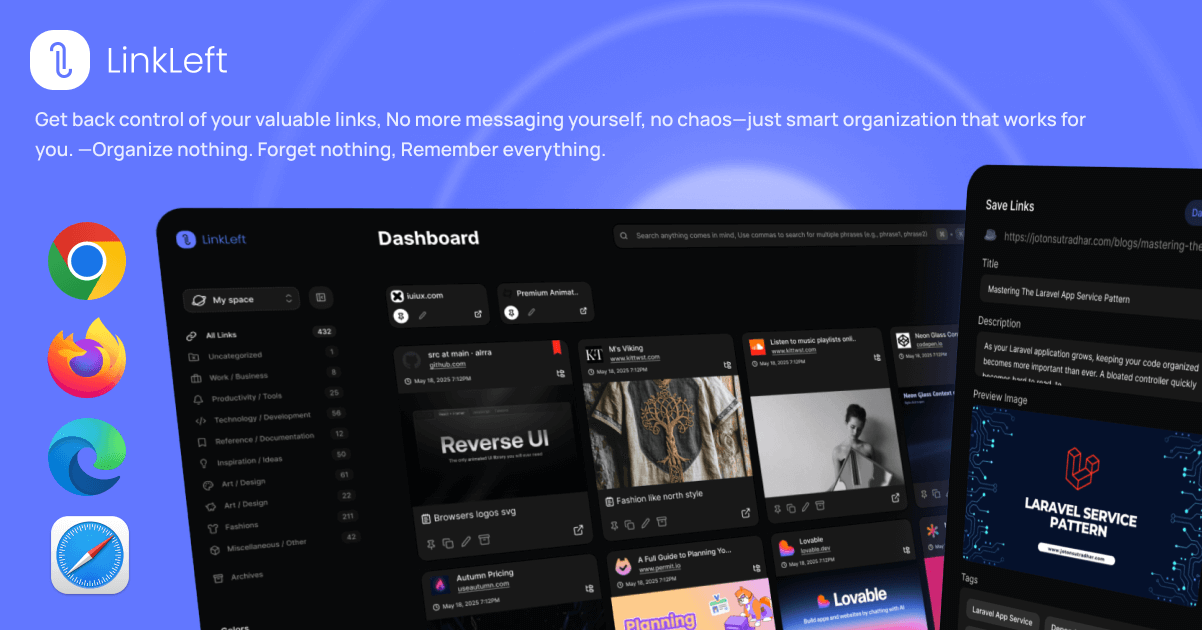
Linkleft is a modern bookmark manager focused on clean, distraction-free link saving and organization. It provides a streamlined interface for capturing and retrieving web links with tagging and collection support. Designed for users who want a contemporary bookmarking experience without the clutter of older solutions.
Visit Linkleft - 18

Dropmark
Dropmark is a visual organization tool for teams and individuals to collect, organize, and discuss web content, images, files, and links in beautifully laid-out collections. With over 15 years of operation and more than 31 million items uploaded, it's a trusted platform for creatives and teams who need visual organization. Collections can be published publicly or kept private, with zero advertising.
Visit Dropmark - 19

ClippingMini
ClippingMini is an AI bookmark manager that automatically generates summaries, tags, and content classifications for every saved link across Chrome, Edge, Safari, and mobile. It turns scattered saved links into organized, structured knowledge without any manual effort. The platform also supports viewing office documents like HWP, DOCX, and PDF directly in the browser alongside saved bookmarks.
Visit ClippingMini - 20

Readwise
Readwise helps readers retain and revisit ebook and article highlights using spaced repetition, syncing highlights from Kindle, Instapaper, iBooks, and more into one place. Daily email digests resurface your best highlights at the right intervals, helping build lasting knowledge over time. Deep integrations with Notion, Evernote, Obsidian, and Roam Research make it a central hub for any knowledge management workflow.
Visit Readwise
Ready to try the best Cling alternative?
Linkflare goes beyond bookmarking — plan trips, share wishlists, organize recipes, and never lose a link again. Get started for free today.