Best Bookmark Ninja Alternatives in 2026
What is Bookmark Ninja?
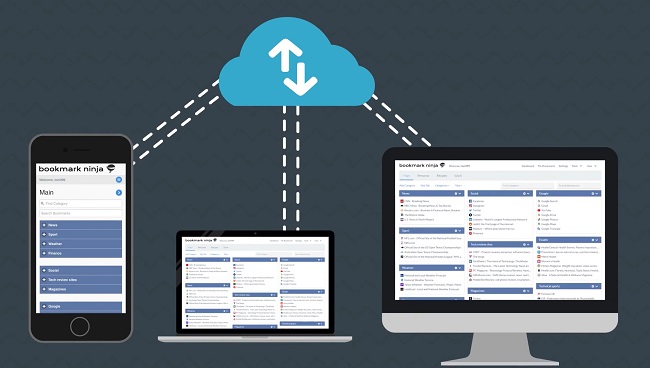
https://www.bookmarkninja.com/Bookmark Ninja takes a distinctive structural approach to bookmark organization through its dual-view system that serves different browsing needs. The Dashboard view organizes bookmarks hierarchically into Tabs, Categories, and bookmark cards displayed in a fully customizable layout of 3, 4, or 5 columns, with drag-and-drop for rearranging and color coding for visual navigation. A Dynamic Tabs Bar helps manage large numbers of top-level tabs without visual clutter. The My Bookmarks view provides a detailed, searchable list of all bookmarks with tag-based browsing, alphabetical sorting, and advanced search capabilities for power users with complex retrieval needs. A dedicated Catalog serves as an archival space for older or less frequently used bookmarks, keeping the main Dashboard clean and focused on current active resources. Tools for finding duplicate bookmarks and dead links help maintain collection hygiene over time. Browser extensions and bookmarklets work across all major browsers including Chrome, Firefox, Edge, Safari, Opera, and Brave. A fully optimized mobile UI delivers a native app-like experience in mobile browsers without requiring installation. Shared tabs can be published with custom titles, descriptions, and optional password protection for sharing curated collections publicly or privately.
Why look for Bookmark Ninja alternatives?
While Bookmark Ninja is a solid tool, it may not fit everyone's needs. Whether you're looking for different features, better pricing, stronger privacy, platform-specific support, or simply want to explore what else is out there — there are plenty of great alternatives worth considering. Here are the 20 best options in 2026.
Top 20 Bookmark Ninja Alternatives
- 1

Linkflare
Linkflare is the universal bookmark manager that goes beyond saving links — it helps you consume, plan, and act on your saved content with smart metadata for books, movies, recipes, and more. Features include trip planning with map views, meal planning, movie night voting, shared wishlists, distraction-free reading, and hierarchical tags. Available on every platform with browser extensions, mobile apps, and a PWA for desktop.
Try Linkflare Free - 2
Linkinize
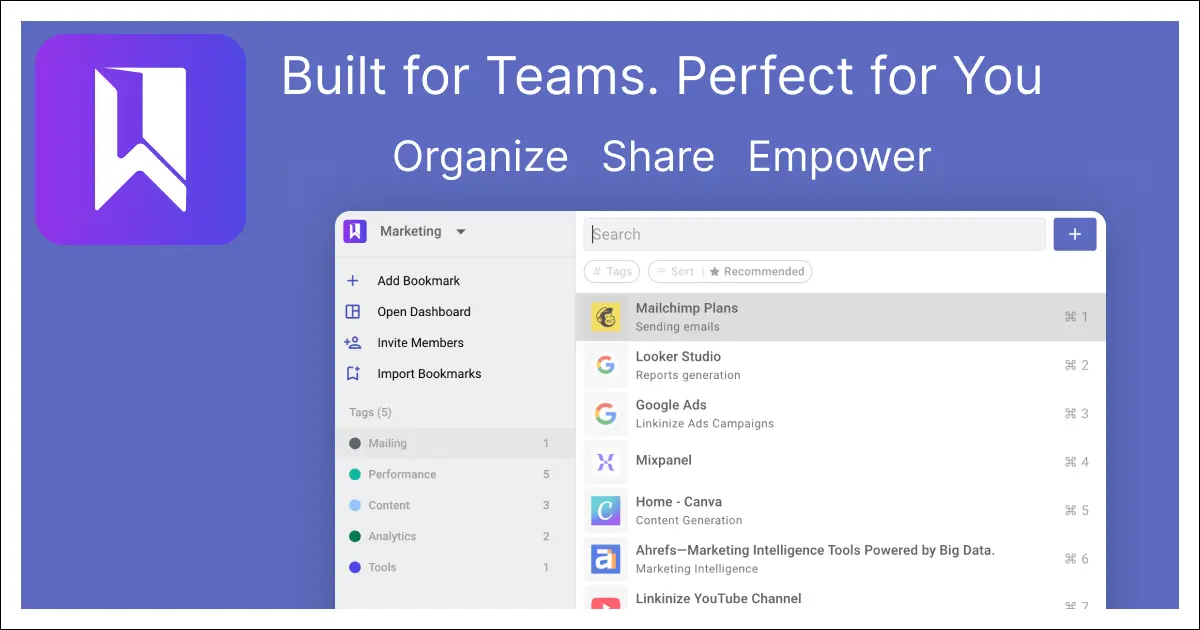
Linkinize is an AI-powered bookmark manager built specifically for teams and businesses, with shared workspaces, AES256 encryption, SAML SSO, and AI that auto-generates titles, descriptions, and smart tags. Multi-workspace support, Confluence integration, and beautiful public bio pages make it a complete team knowledge management solution. A free tier covers up to 4 workspaces and 10 members, with paid plans for larger teams.
Visit Linkinize - 3
Linkwarden
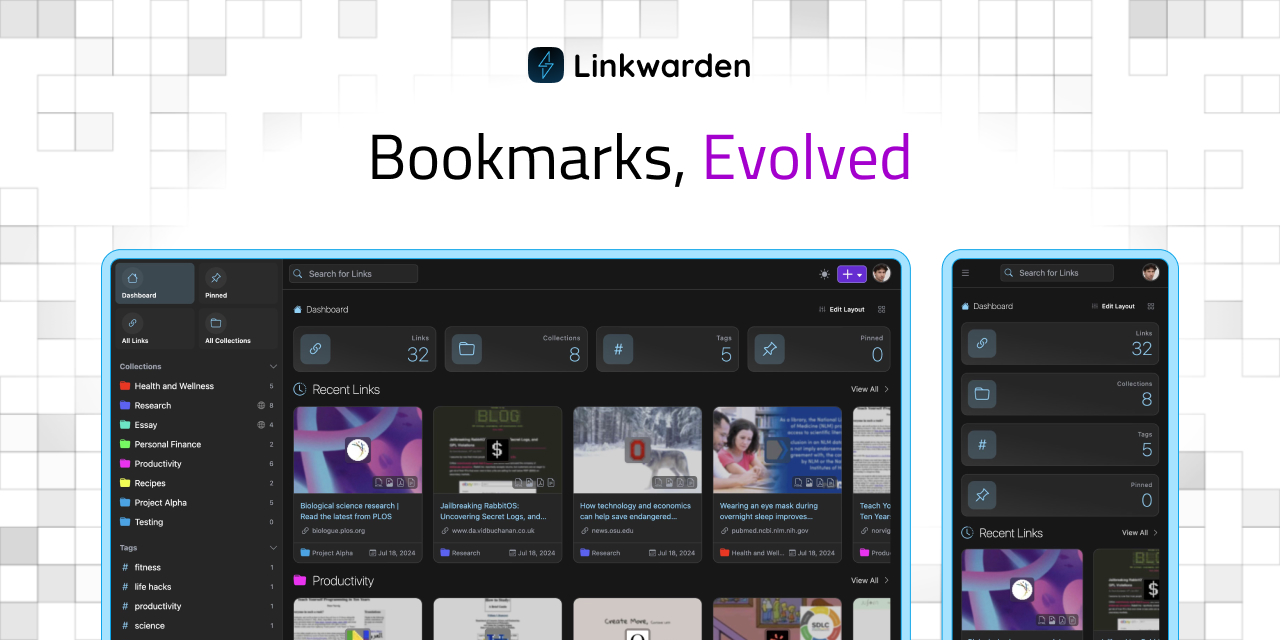
Linkwarden is an open-source bookmark manager built around full-page preservation, saving every link as complete HTML, screenshots, and PDFs to prevent link rot permanently. A dedicated reader view supports text highlighting and annotations for distraction-free content consumption. AI-powered automatic tagging, RSS feed subscription, and collection sharing make it a powerful all-around bookmarking platform.
Visit Linkwarden - 4
Klart
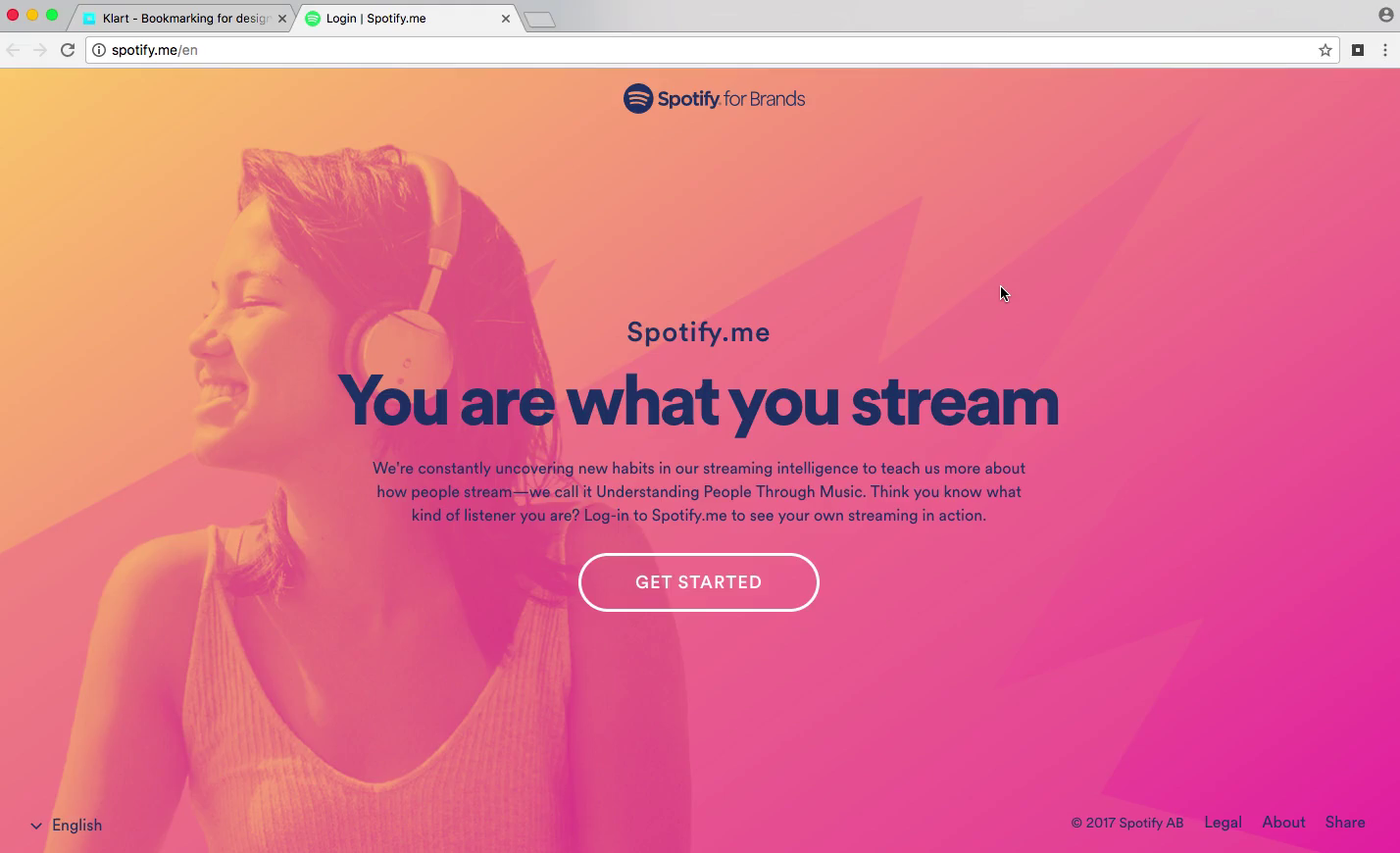
Klart is a bootstrapped bookmark and screenshot manager from Stockholm that automatically captures a visual screenshot alongside every saved link. Chrome and Firefox extensions enable one-click saving, and bookmarks are organized with collections, tags, and notes for easy retrieval. At $49/year after a 14-day free trial, Klart is a transparent, no-gimmick service focused on doing bookmarking exceptionally well.
Visit Klart - 5

Tefter
Tefter is a team link sharing tool built for speed, featuring custom URL aliases, a powerful browser extension with tab switching and history search, and deep Slack integration. Teams can create shortcuts like "/go standup" to access any URL instantly from the browser address bar. Made in Athens and London, it's particularly popular with engineering and technical teams who value keyboard-driven productivity.
Visit Tefter - 6
FavBox
FavBox is an open-source, local-first browser extension that enhances native browser bookmarks with advanced search, AI-style tagging, filtering, sorting, and multiple display modes without any cloud storage or third-party services. All data is stored locally in IndexedDB, and tags sync cleverly across devices by appending them to bookmark titles using Chrome's native profile sync. Completely free and MIT-licensed, with over 500 GitHub stars.
Visit FavBox - 7
GoodLinks
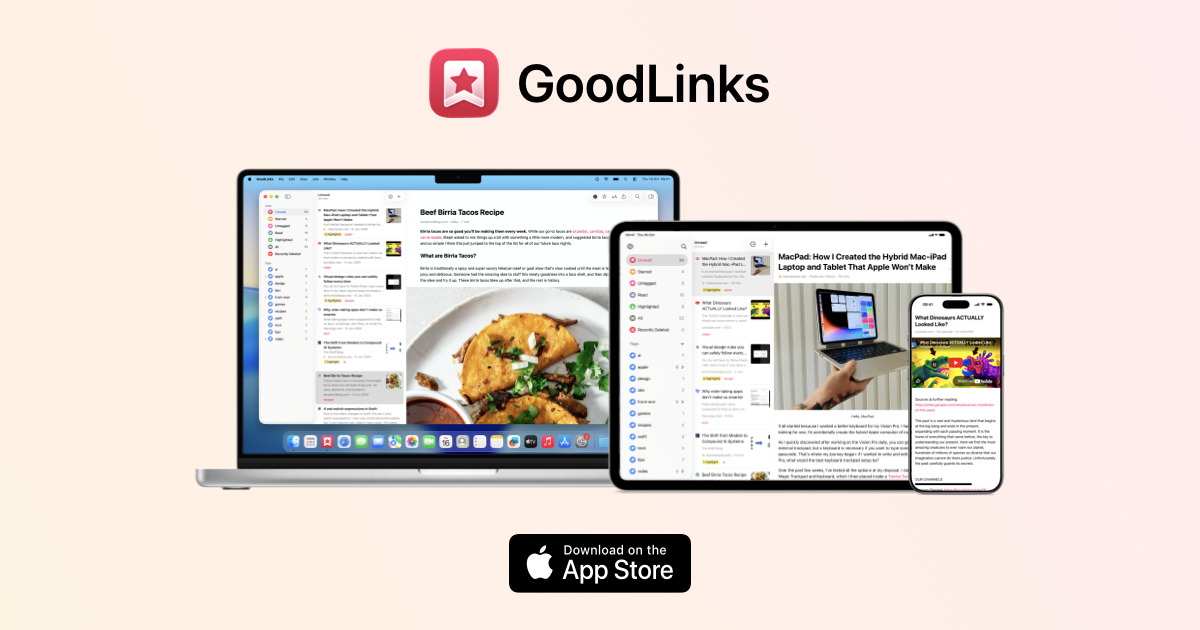
GoodLinks is a premium native Apple read-later and bookmarking app for Mac, iPhone, and iPad with a beautiful distraction-free reader, color-coded highlighting, and iCloud sync. Purchased once from the App Store, it provides lifetime access with a year of feature upgrades included. GoodLinks is completely private, with no user tracking or data sharing of any kind.
Visit GoodLinks - 8
Siimpl
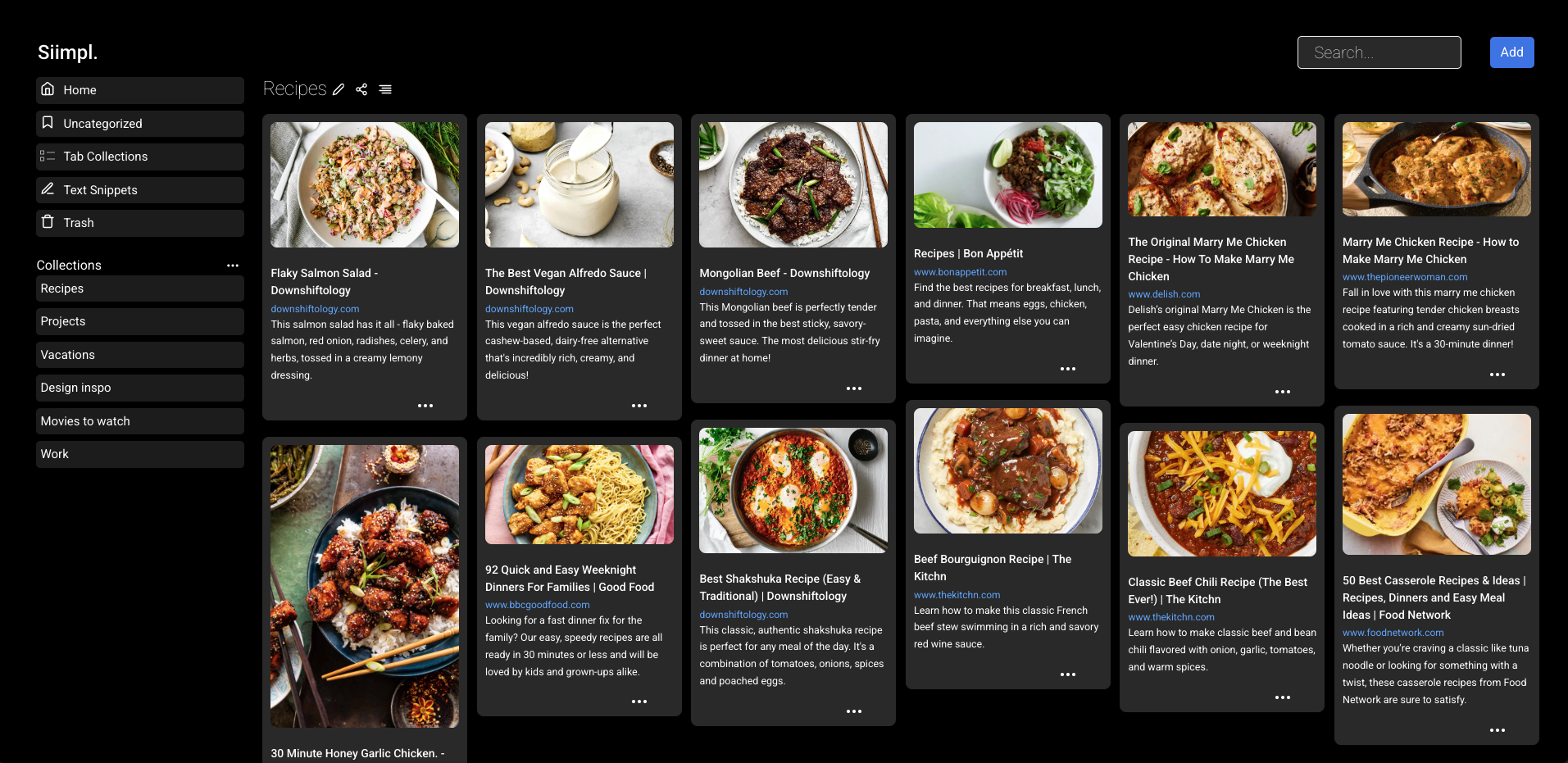
Siimpl is a straightforward bookmarking app for saving websites, images, and videos, available across iOS, Android, web, Chrome, and Edge. Collections can be shared with read-only or edit permissions, and a PIN-protected hidden mode keeps sensitive bookmarks invisible until unlocked. It emphasizes a "simplify your digital life" philosophy, making it ideal for casual users who want a clean, no-fuss experience.
Visit Siimpl - 9

Dropmark
Dropmark is a visual organization tool for teams and individuals to collect, organize, and discuss web content, images, files, and links in beautifully laid-out collections. With over 15 years of operation and more than 31 million items uploaded, it's a trusted platform for creatives and teams who need visual organization. Collections can be published publicly or kept private, with zero advertising.
Visit Dropmark - 10
Stacks
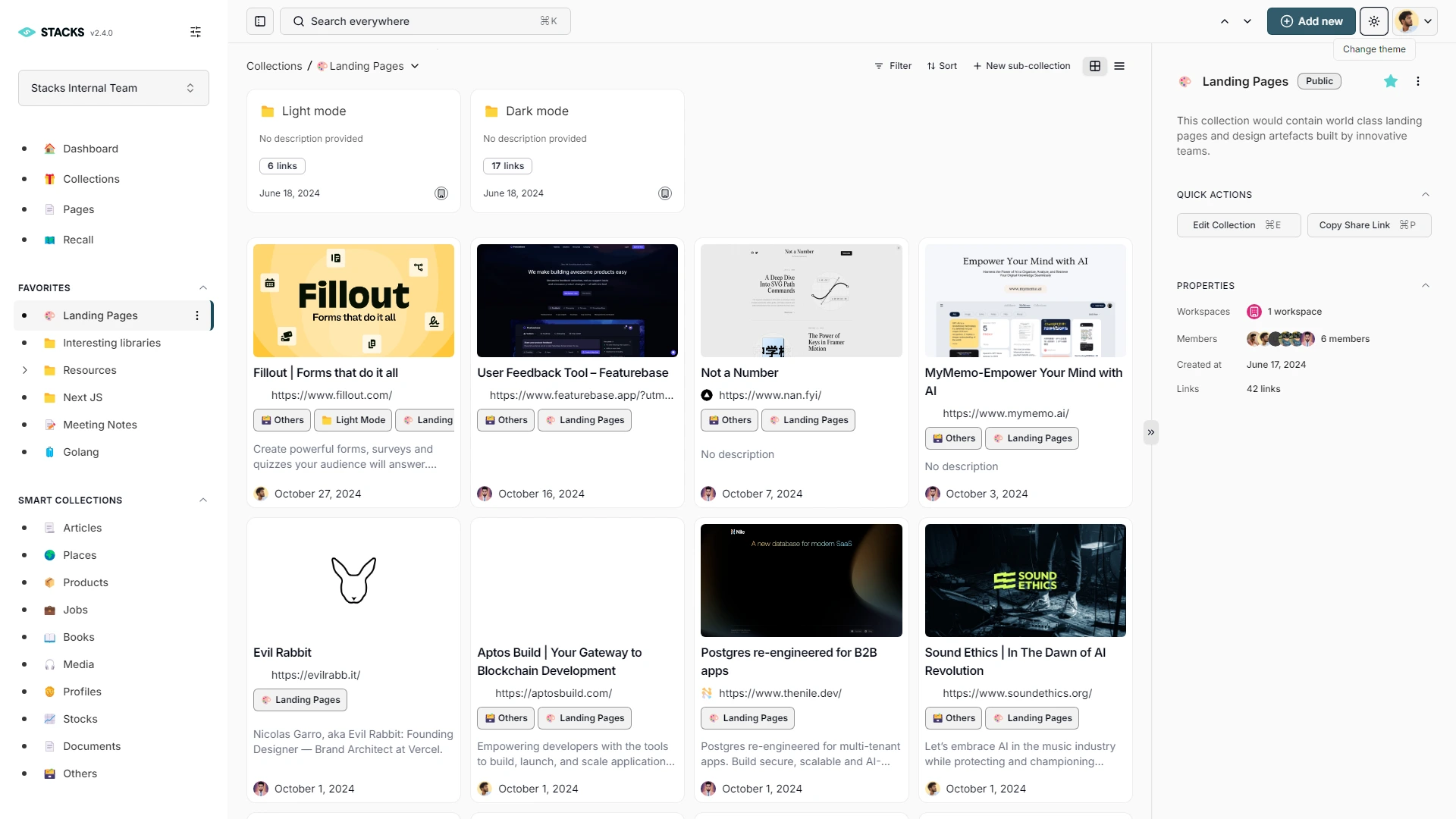
Stacks by BetterStacks is an AI-powered content workspace designed to replace multiple productivity tools by combining bookmarks, notes, files, and knowledge organization in one intelligent platform. Its AI understands the intent behind saved content and surfaces hidden connections between related ideas across your entire library. Trusted by over 5,000 creators, founders, and researchers, it works as a browser extension, web app, and mobile app.
Visit Stacks - 11
Clipix
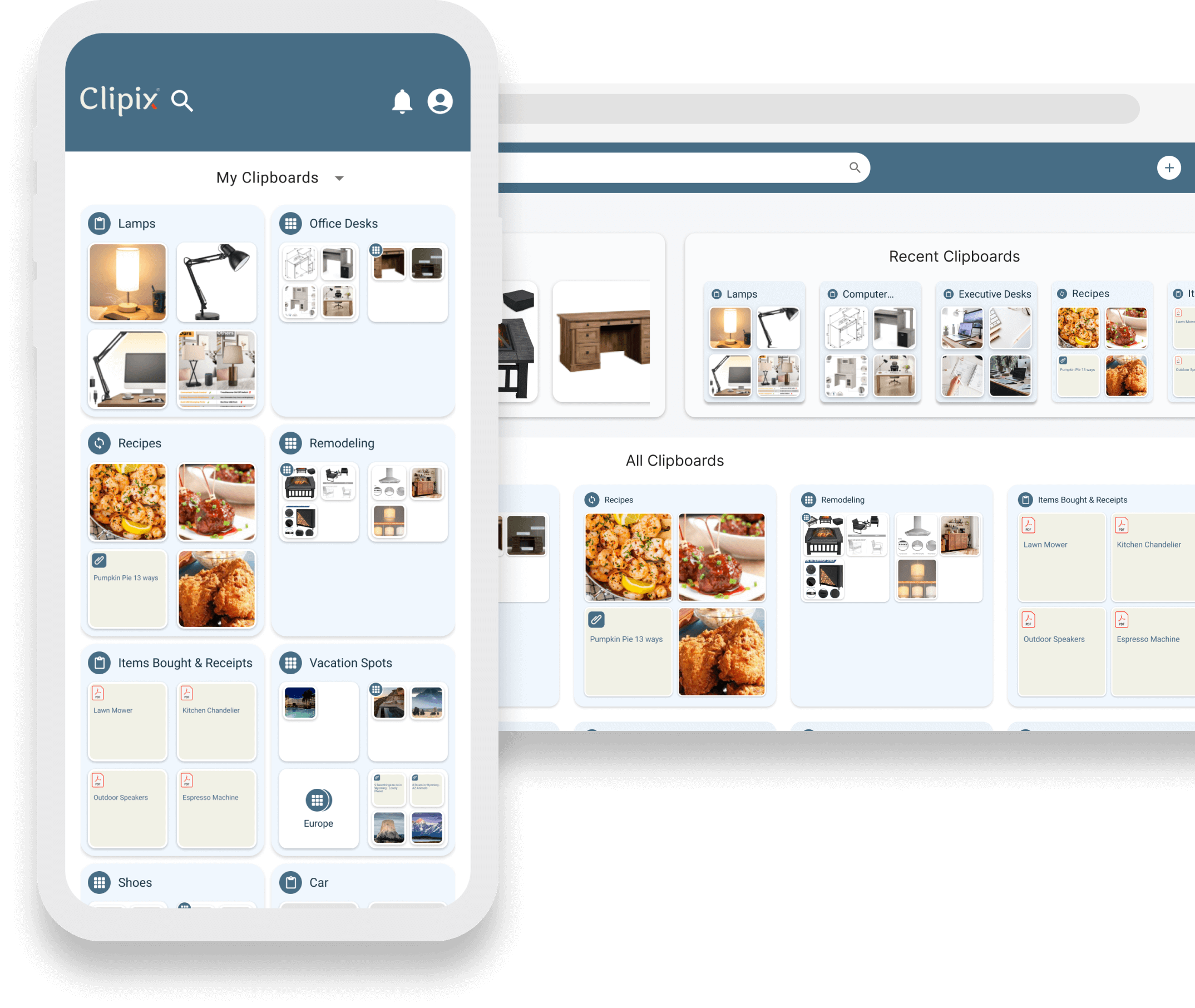
Clipix is an online content and bookmark management platform that organizes links, images, and web content into named clipboard-style boards. Users can create public or private clipboards and share them with others for collaborative content curation. Its visual pin-board interface makes browsing saved content engaging and intuitive.
Visit Clipix - 12

Bookmark OS
Bookmark OS is an all-in-one browser-based productivity desktop combining bookmark management, task management, note taking, and file storage with a Mac and Windows-inspired UI. AI-powered folder suggestions, visual page screenshot icons, Dropbox backup, and 10+ customizable themes set it apart from simpler tools. It's accessible from any device via browser and caters to users who want their entire digital workflow in one place.
Visit Bookmark OS - 13
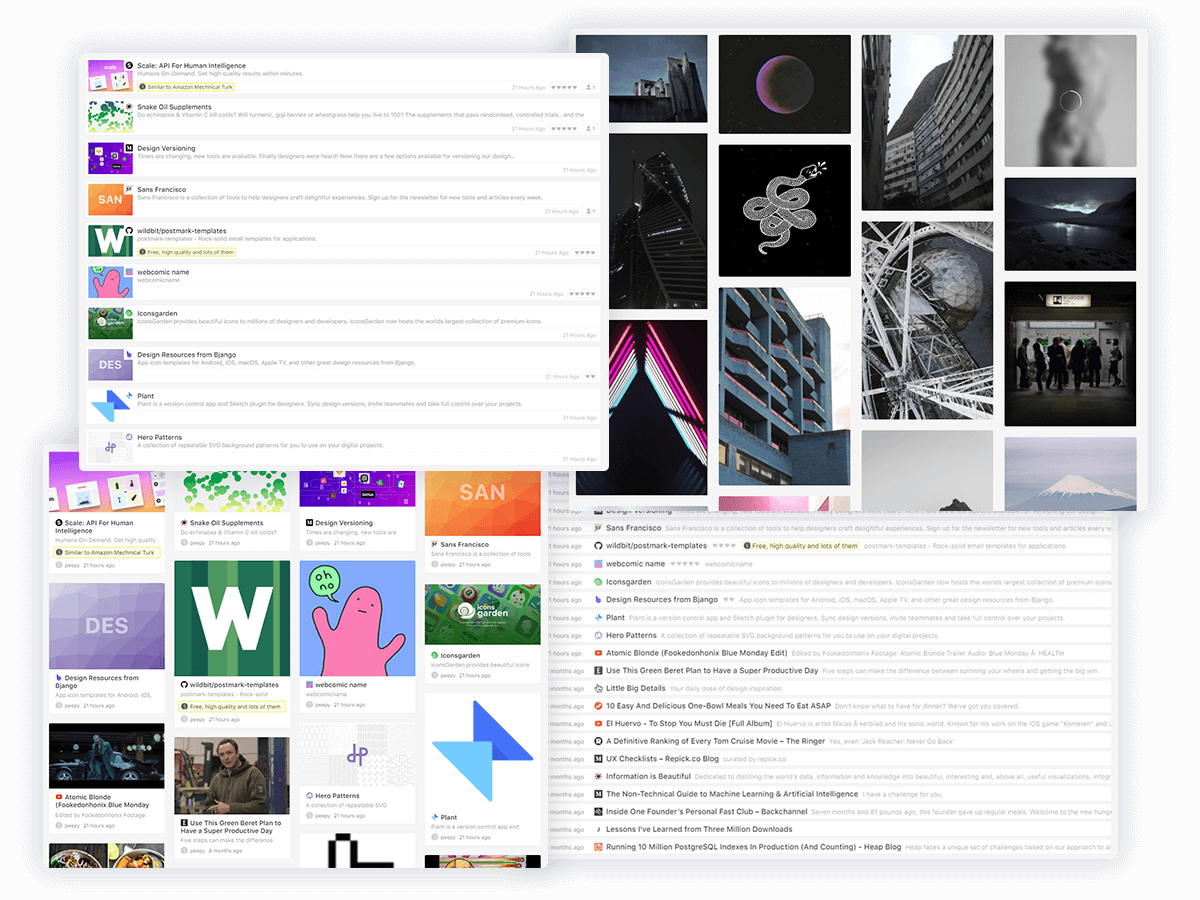
GGather
GGather is a balanced bookmark manager with a thoughtful feature set including multiple view modes, notes and ratings, annotations, friendly tags, and a built-in reader view. Content can be saved via web app, Chrome extension, direct URL, or bookmarklet, with advanced search, sorting, and filtering for comprehensive retrieval. It aims to provide the right mix of features without overwhelming complexity.
Visit GGather - 14
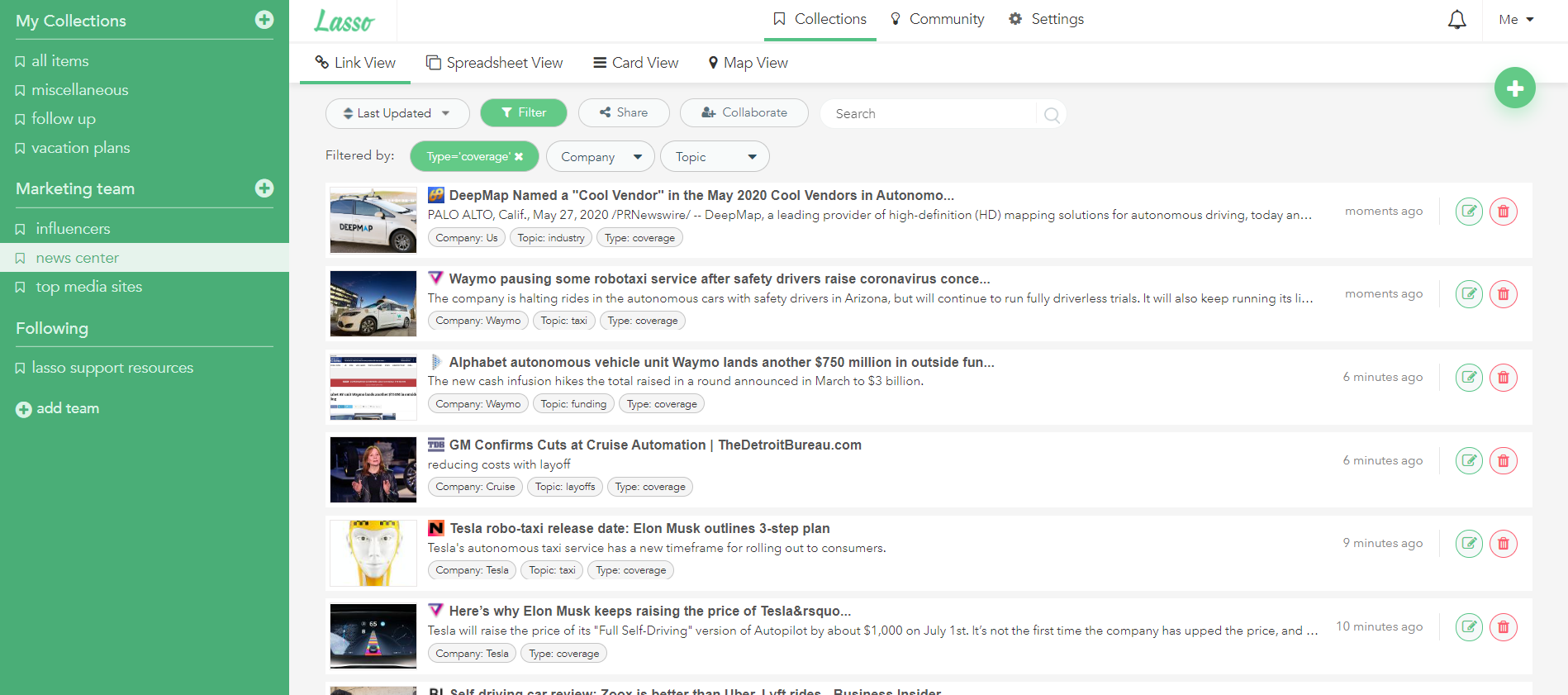
Lasso
Lasso is an all-in-one bookmark and screenshot manager for web research, content marketing, and team collaboration. It combines link saving with screenshot capture and annotation, Slack integration, and the ability to publish curated collections as dynamic public landing pages. Free for individuals since 2006, it charges per additional team member for collaborative use.
Visit Lasso - 15
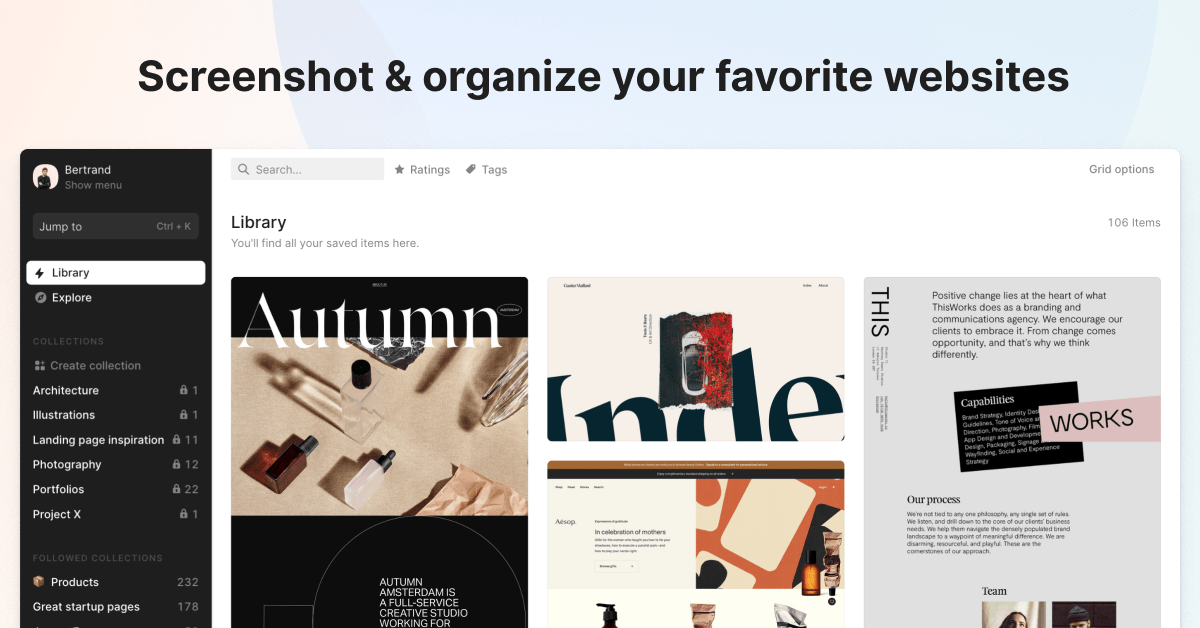
Hypershoot
Hypershoot is a screenshot-focused bookmark manager that saves responsive visual captures of web pages simultaneously in desktop, tablet, and mobile views. A browser extension makes capturing any URL quick, and collections can be shared with team members for collaborative visual research. With keyboard shortcuts and quick actions throughout, it's built for efficient, speed-conscious workflows.
Visit Hypershoot - 16

Diigo
Diigo is a research-focused bookmarking platform that combines link saving with web annotation, sticky notes, and collaborative group sharing for over 9 million users. It lets you highlight text directly on any web page or PDF and leave persistent sticky notes visible on future visits. Its Outliner feature structures research into organized knowledge bases, making it popular in academic and professional settings.
Visit Diigo - 17
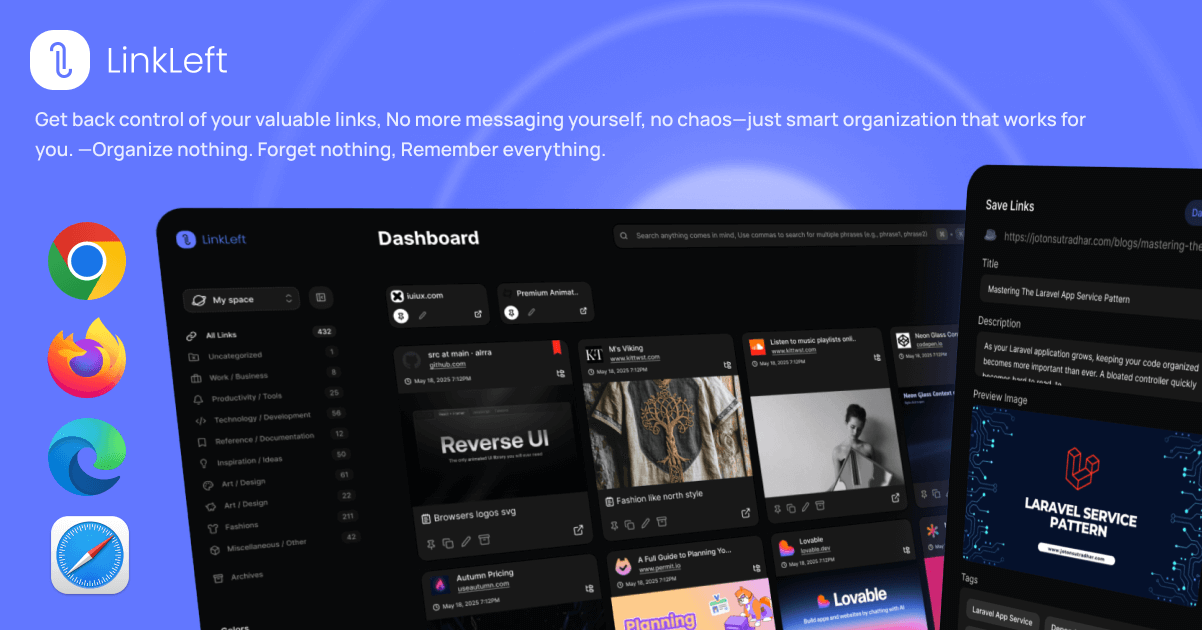
Linkleft
Linkleft is a modern bookmark manager focused on clean, distraction-free link saving and organization. It provides a streamlined interface for capturing and retrieving web links with tagging and collection support. Designed for users who want a contemporary bookmarking experience without the clutter of older solutions.
Visit Linkleft - 18
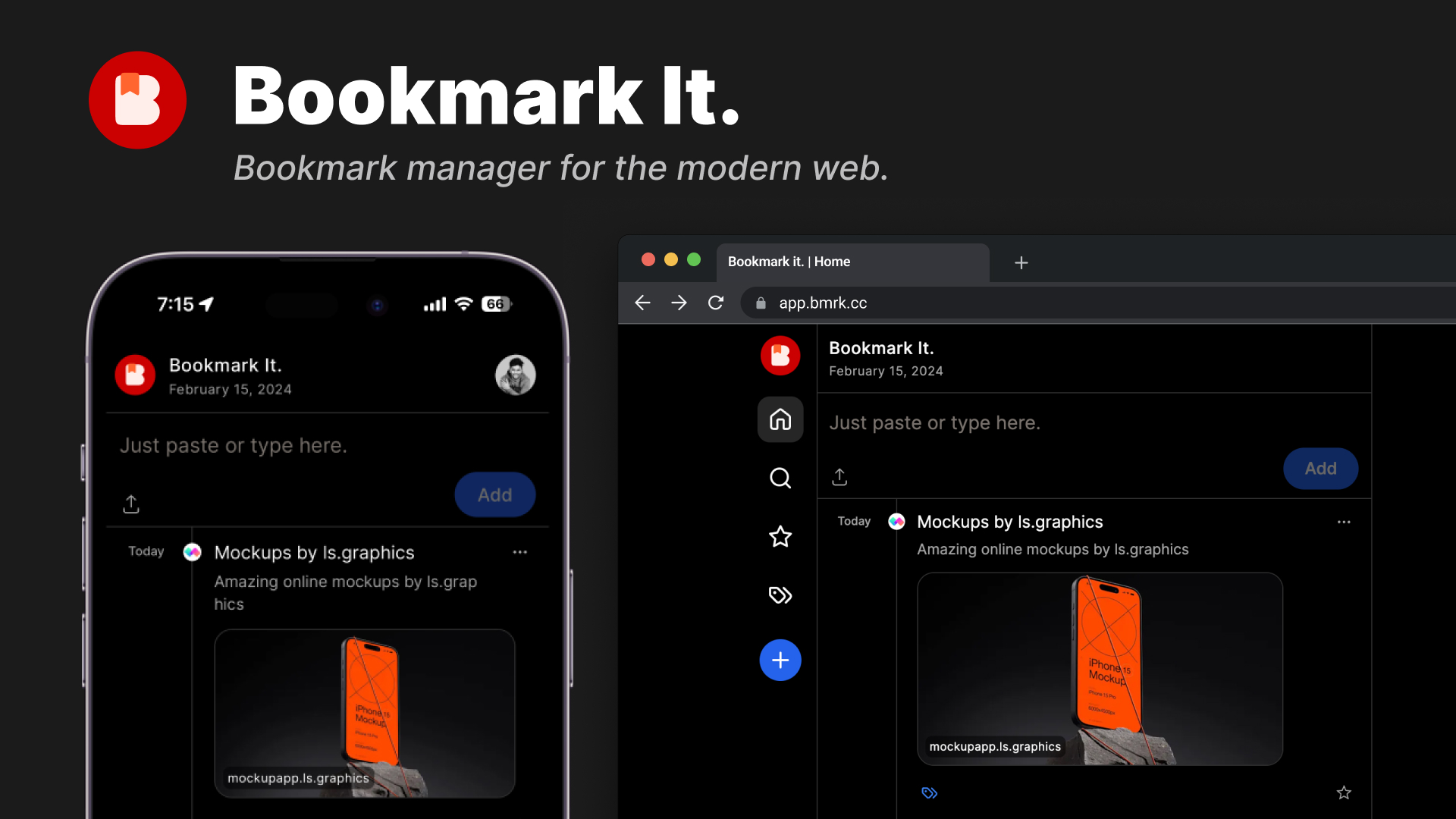
Bookmark It.
Bookmark It. (bmrk.cc) is a modern, open-source bookmark manager with a Twitter-like timeline view for historical browsing, one-click saving, favorites, tagging, and shareable collections. Clean and fast, the interface organizes bookmarks chronologically for easy browsing through saved content over time. Available with a free tier and a $24/year Pro plan, source code is publicly available on GitHub.
Visit Bookmark It. - 19

Bookmarkee
Bookmarkee is a simple, free, private online bookmarking service that has been operating since 2006, helping over 544,000 registered users organize their frequently visited websites. All bookmarks are private by default and accessible from a personal dashboard with one click, without tracking or analytics. With no ads, no spam, and support for smartphones and desktops, it's a no-frills convenience tool.
Visit Bookmarkee - 20

Bookmax
Bookmax is a classic online bookmark manager operating since 2003, featuring nested folders, tags, notes, usage statistics, newsfeeds, and full import/export functionality. Both free and premium versions are available, with private and public bookmark page options for personal and shared use. As one of the oldest running bookmark services, it appeals to users who value longevity and comprehensive organizational features.
Visit Bookmax
Ready to try the best Bookmark Ninja alternative?
Linkflare goes beyond bookmarking — plan trips, share wishlists, organize recipes, and never lose a link again. Get started for free today.